Simplify Your Scheduling with Location-Based Assignments
Managing a cleaning crew across multiple job sites often feels like a puzzle with constantly changing pieces. When your staff assignments are disorganized, scheduling new shifts can become an unnecessary hurdle that distracts you from your daily operations.
At CleanTrack360, we built our location assignment feature to help you keep your scheduling organized and efficient. By associating specific team members with the locations they serve, you can ensure your workflow stays consistent and straightforward.
The Challenge of Manual Assignment
When you rely on disconnected lists or memory to track who works where, your team's efficiency can suffer. Cleaning company owners often encounter these common operational friction points:
- Communication lags: Confusion over which team members are designated for specific sites can lead to unauthorized personnel arriving at a job.
- Administrative overhead: Searching through entire employee databases every time you need to fill a shift creates redundant work.
- Scheduling uncertainty: Lack of clear structure makes it difficult to quickly identify which staff members are actually available to cover a particular location.
How to Assign Team Members in CleanTrack360
Streamlined Location Management
The process of assigning your staff is designed to be intuitive and fast. By pinning members to specific locations, you create a dedicated pool of workers for those sites.
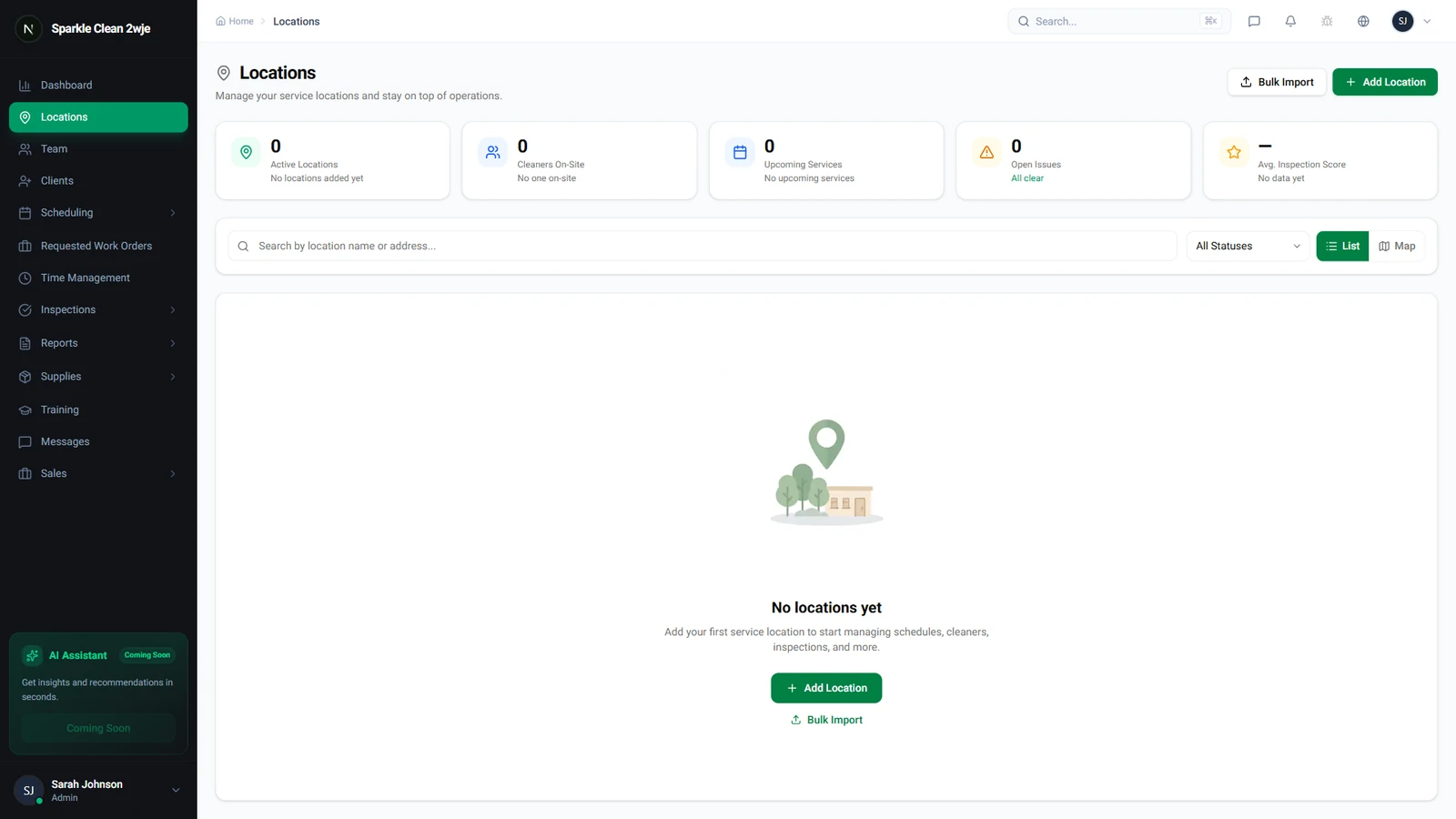
Step-by-Step Assignment
To begin, navigate to the Locations tab in your dashboard and select the specific site you wish to update. Once inside the location detail page, scroll down until you reach the Assigned Team section.
Click the "Assign Members" button to view your full staff list. Simply check the boxes next to the individuals you want to designate to that site and click save to apply your changes.
Important Considerations for Your Workflow
Keep in mind that CleanTrack360 allows for flexibility in your assignments. A single team member can be assigned to multiple locations, which is helpful for staff who rotate between various commercial accounts.
Once you have finalized your assignments, these team members will be prioritized when you build your future shift schedules for those locations. This keeps your planning organized and ensures your staff is always aligned with their assigned sites.
Getting Started with Your Team
Managing your team's locations is one of the quickest ways to bring order to your daily scheduling. We recommend reviewing your current location list and ensuring each site has its primary team members correctly assigned.
If you encounter any questions or need technical support while updating your assignments, you can reach out to our team anytime through the Support section located directly in your dashboard. We are here to help you keep your operations running smoothly.