Keeping Your Cleaning Supply Inventory Accurate
As a commercial cleaning business owner, your supply inventory is constantly in flux. Suppliers change their prices, you switch to new vendors, and the items you use daily evolve with your business needs.
When your internal records don't match the reality of your current supply chain, it becomes difficult to track where your money is going. CleanTrack360 provides a straightforward way to keep your catalog updated, ensuring your digital records always reflect your actual operational costs.
The Challenge of Managing Material Costs
Managing a cleaning company means dealing with thin margins where every supply cost matters. Without a centralized system to track these changes, you might face several operational difficulties:
- Outdated Cost Records: Relying on old price data leads to inaccurate budgeting and financial reporting.
- Vendor Management Confusion: When you update your suppliers or SKUs, failing to record those changes immediately can cause procurement errors.
- Inconsistent Tracking: If your item catalog isn't maintained, it’s harder to keep a consistent view of your expenses across different jobs.
How CleanTrack360 Inventory Management Works
Finding Your Materials
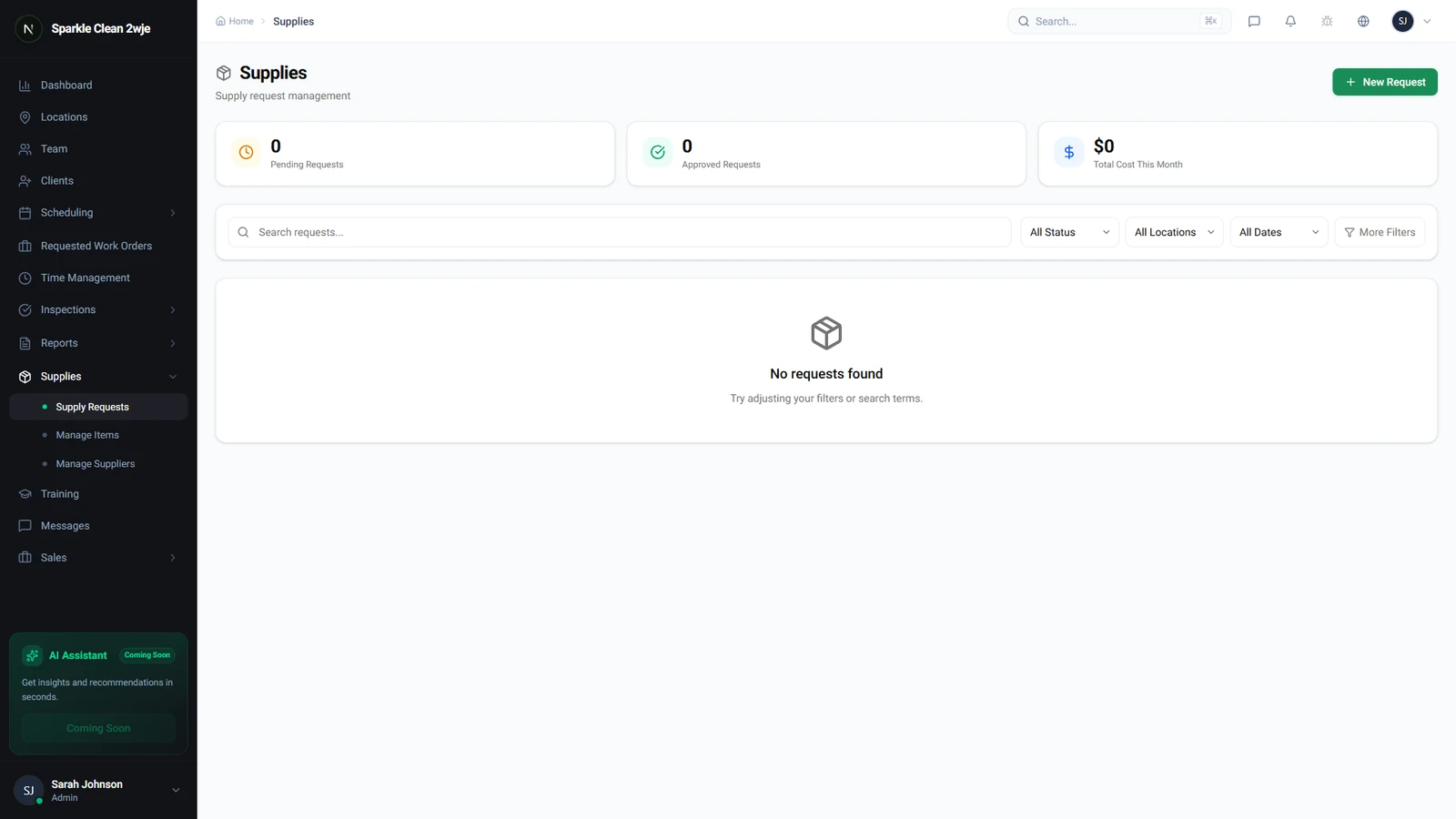
To begin managing your catalog, navigate directly to the Materials section in your dashboard. Here, you can search for the specific items you need to update, ensuring you don't have to scroll through lists of supplies you aren't currently adjusting.
Editing and Updating Items
Once you have located the item you need to change, click on it and select the Edit option. This allows you to modify critical details such as the item name, current cost, assigned supplier, or SKU.
After you have entered the updated information, click Save to apply the changes to your system. This process ensures that your entire team is working with the most current data available for your cleaning materials.
Getting Started with Inventory Updates
Maintaining your catalog doesn't have to be a major administrative burden. By making it a habit to check your material costs whenever you receive a new invoice or change a supplier, you can keep your records clean with minimal effort.
If you encounter any questions or run into technical issues while updating your materials, remember that you can always reach out for support. Simply visit the Support section located within your CleanTrack360 Dashboard for assistance.