Simplify Your Daily Workflow with Visual Scheduling
Managing a commercial cleaning business requires keeping track of multiple locations, fluctuating staff availability, and specific shift times. When your schedule is scattered across different platforms, it becomes difficult to keep your operations running smoothly.
The Schedule Calendar in CleanTrack360 is designed to provide a centralized, visual overview of all your shifts. By moving away from fragmented tracking methods, you gain a clearer picture of your business operations in real-time.
The Challenges of Managing Field Operations
Many cleaning company owners find that as their list of contracts grows, so does the complexity of their scheduling. Without a unified view, several common issues often arise:
- Limited visibility: It is difficult to see the full scope of your week when information is trapped in a list format.
- Operational friction: Switching between different planning timeframes can lead to missed details regarding specific crew assignments.
- Difficult status tracking: Without clear visual indicators, identifying the status of a specific shift can require extra time and manual checking.
How the CleanTrack360 Calendar Works
Switching Between Views
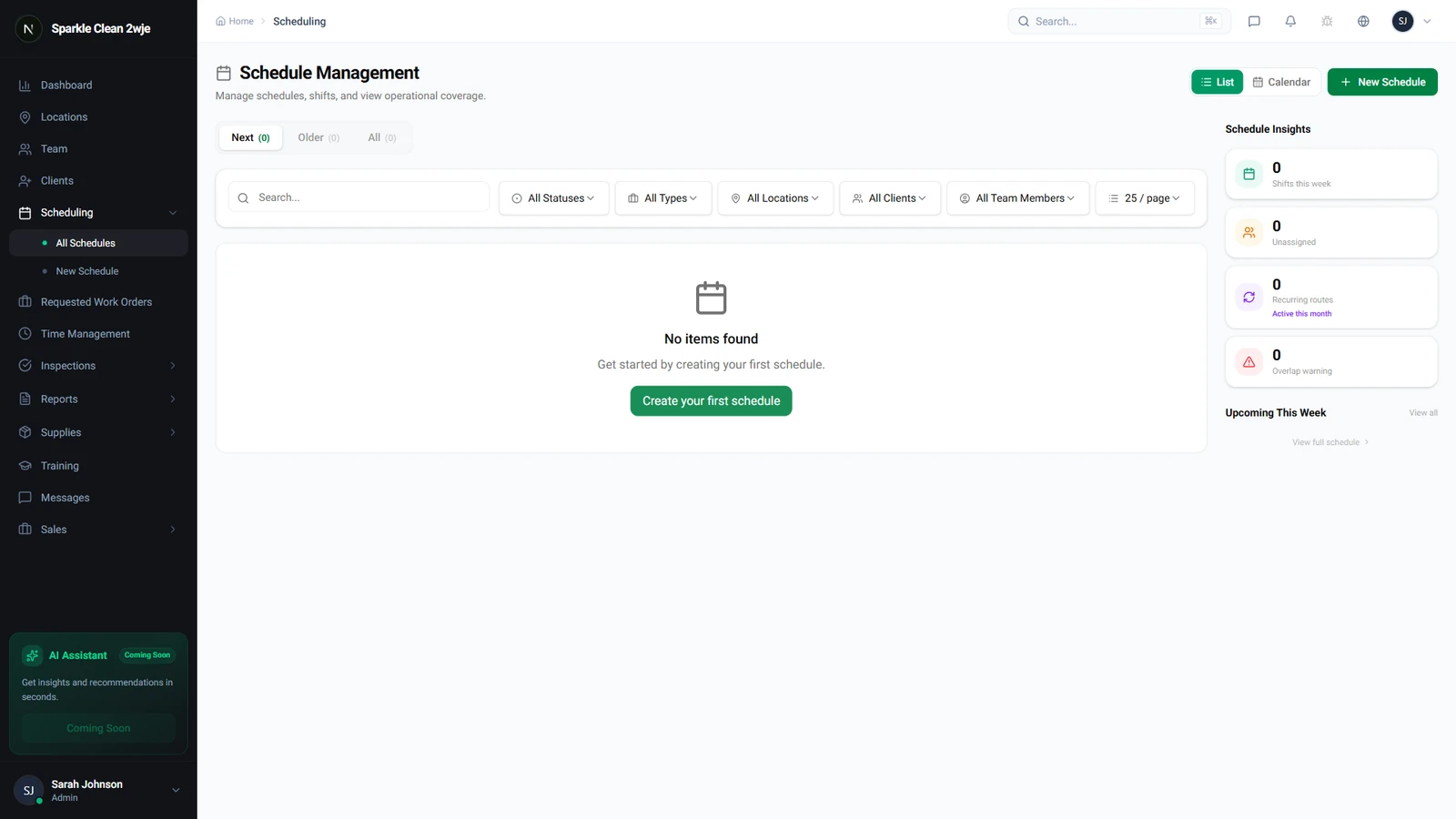
The system allows you to toggle easily between different modes. Simply click the Calendar button to transition from a standard list view to a visual layout where all your shifts are distributed clearly across the screen.
Navigating Your Timeframes
You can move through your schedule using the integrated arrows to switch between weeks or months. Additionally, you can toggle between Day, Week, and Month views depending on whether you are looking for long-term planning or granular, daily oversight.
Detailed Shift Management
Each shift appears as a distinct block within the calendar interface. By clicking on any of these blocks, you can view the full details of that specific assignment.
These blocks are color-coded based on their current status. This feature allows you to identify the state of your operations at a glance without needing to open multiple tabs or files.
Getting Started with Your Dashboard
Integrating the calendar into your workflow is straightforward. Simply log into your dashboard and navigate to the scheduling section to begin viewing your shifts visually.
If you have questions or encounter any issues while setting up your calendar, you can reach out for assistance via the Support section located directly in your dashboard. Our team is ready to help you optimize how you view and manage your cleaning shifts.