Taking Control of Your Sales Growth
Running a commercial cleaning company involves juggling many leads, proposals, and contract negotiations. Without a clear view of where your sales efforts stand, it becomes difficult to distinguish which leads are hot and which are going cold.
CleanTrack360 provides built-in sales and pipeline reporting tools to help you gain visibility into your business development. By tracking your progress systematically, you can make informed decisions about where to focus your energy and resources.
The Challenges of Tracking Sales Manually
Many cleaning business owners rely on memory or scattered notes to manage their pipeline. This often leads to several common operational headaches:
- Lost Opportunities: Failing to follow up on a prospect at the right time because the status of the lead was unclear.
- Blind Spots: Not knowing which marketing efforts or referral sources are actually bringing in valuable contracts.
- Unclear Forecasting: Having no way to gauge future revenue, making it difficult to plan for new equipment or additional staff.
How CleanTrack360 Sales Reporting Works
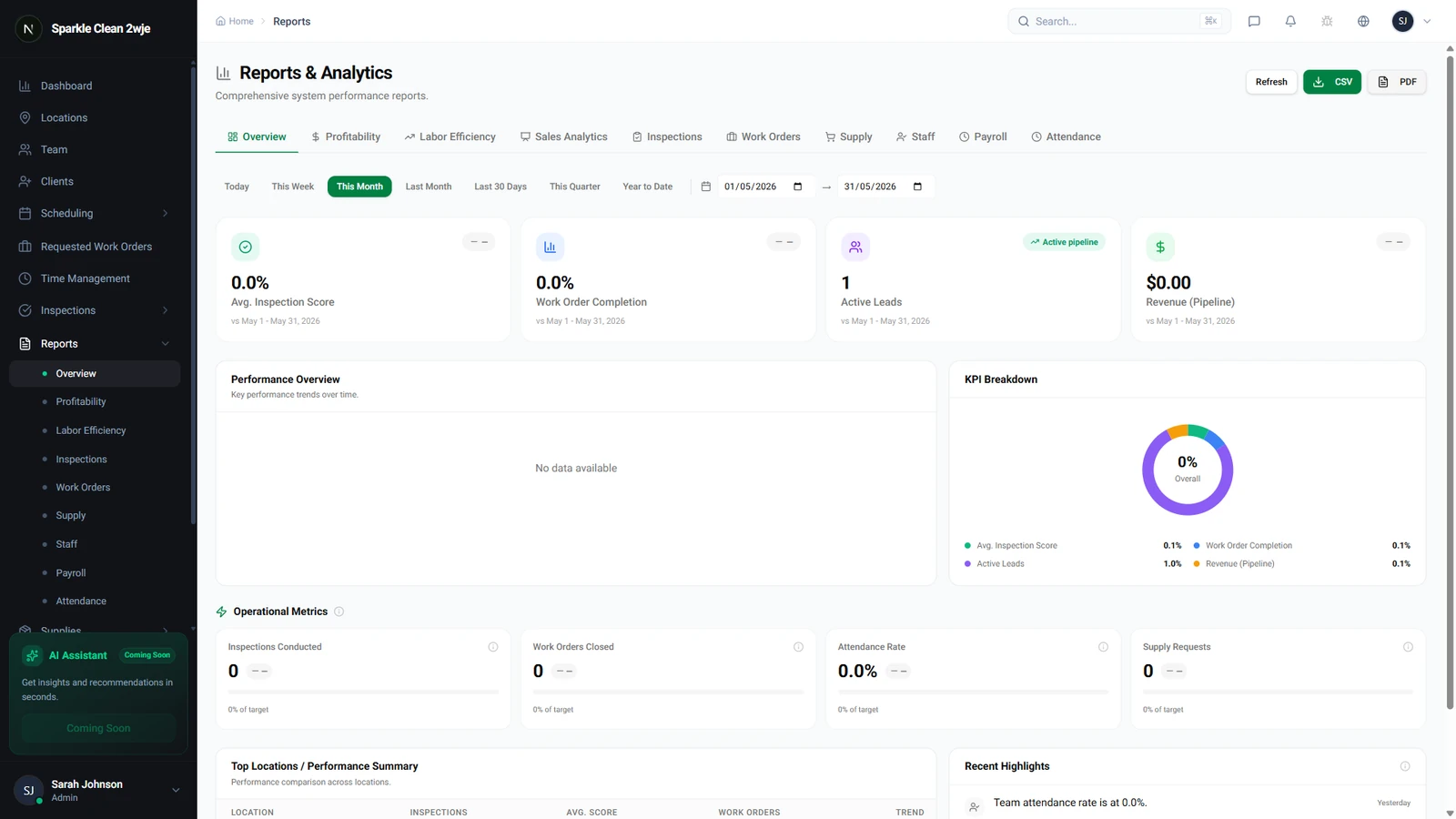
CleanTrack360 centralizes your sales data so you can stop guessing and start tracking. You can access these tools by navigating to the Reports section and selecting Sales.
Key Metrics to Monitor
The Sales dashboard provides a high-level view of your business performance through several key metrics. You can view the current value of your pipeline, your conversion rates for each sales stage, and your average ticket size.
The platform also tracks your win/loss rates and generates revenue forecasts. By looking at this data, you can see exactly where opportunities are being won or lost throughout your sales cycle.
Optimizing Marketing and Growth
Beyond tracking individual deals, these reports allow you to evaluate the effectiveness of your lead sources. When you know which channels bring in the most qualified prospects, you can refine your marketing strategy to optimize your budget.
Getting Started with Your Reports
You can begin using these features immediately within your CleanTrack360 dashboard. Simply navigate to the Reports menu to start viewing your current pipeline activity.
If you have questions or encounter any difficulties while exploring these reports, please reach out to our team through the Support section of your dashboard. We are here to help you get the most out of your sales data.