Professionalizing Your Cleaning Business Communications
When you are managing a commercial cleaning company, your professional image is built on every document you send to your clients. From proposals to formal reports, the details included in your paperwork reflect the reliability and quality of your business.
CleanTrack360 helps you maintain this consistency by centralizing your company information. By configuring your profile, you ensure that your branding is accurately represented every time you interact with a client through the platform.
The Challenge of Inconsistent Documentation
In the fast-paced world of facility services, inconsistencies in your documentation can create friction in your business operations. When client-facing documents lack accurate contact details or outdated business information, it often leads to:
- Communication friction: Clients may struggle to find the right contact information if your phone or email is incorrect on reports.
- Brand misalignment: Discrepancies between your marketing materials and your formal proposals can cause confusion.
- Scheduling confusion: Incorrect time zone settings can lead to mismanaged shifts and reports that do not align with client expectations.
How It Works: Configuring Your Profile
Updating Your Essential Business Information
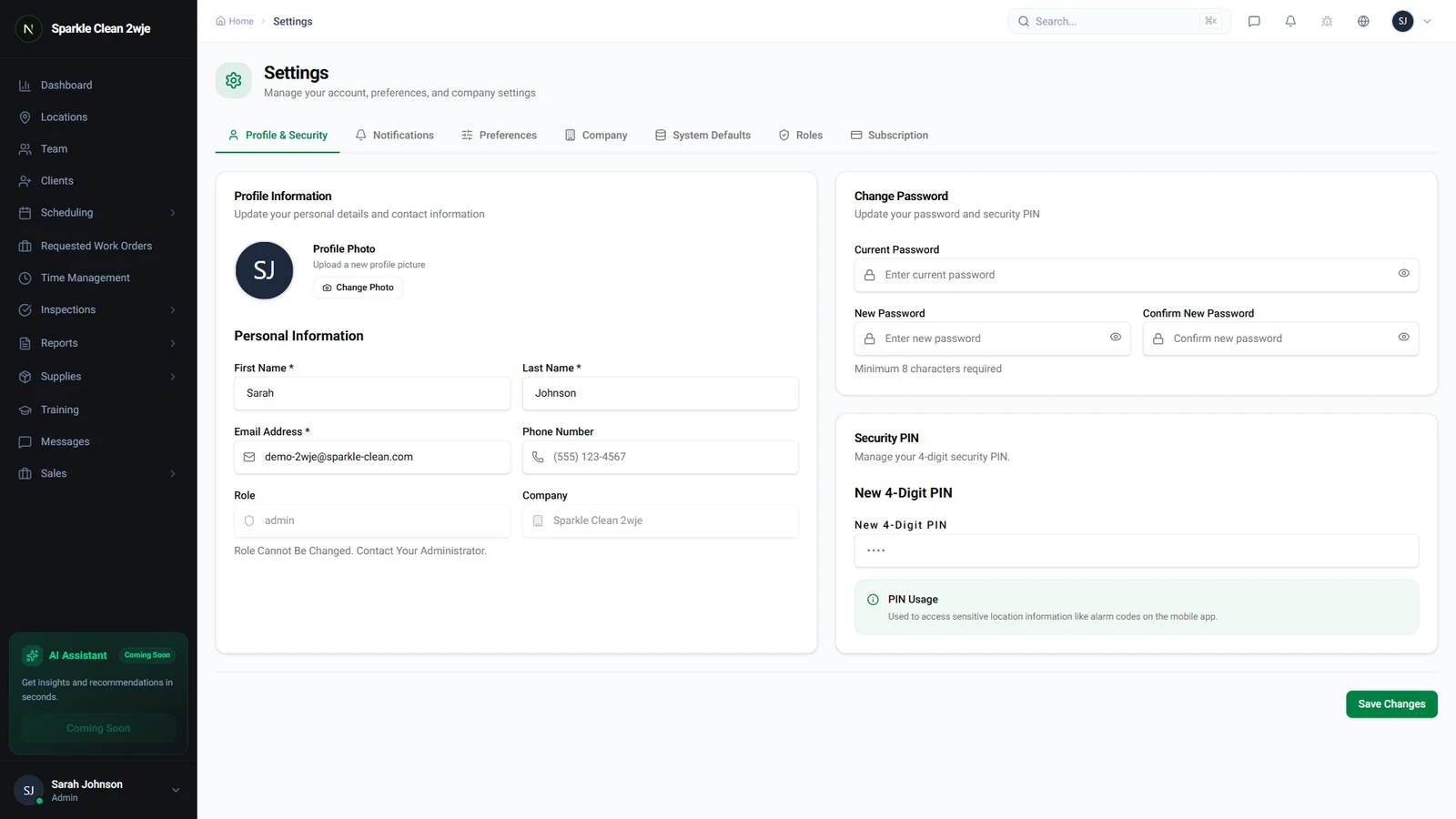
The company profile section is the foundation for your branding across the CleanTrack360 platform. To begin, navigate to the sidebar of your dashboard and select "Configuración" (Settings).
The "Perfil de la Empresa" section will appear immediately. Here, you can input or update your core business details to ensure that all generated content is accurate and professional.
Required and Optional Fields
The system provides specific fields to manage your business identity. Ensure you have the following information prepared:
- Nombre de la Empresa: This is a required field for your legal or commercial business name.
- Zona Horaria: Another required field, this setting is critical for accurate scheduling and report generation.
- Contact Details: You can optionally include your primary business phone number, email address, physical office location, and your company website.
Getting Started With Your Profile
Once you have populated the necessary fields, click "Guardar" (Save) to update your information. Your company details will then automatically propagate to your future proposals, reports, and the client portal.
If you encounter any questions or require technical assistance while setting up your account, you can access the support section directly through your dashboard. Our team is available to help you navigate your settings and ensure your platform is configured for success.