Managing Your Team Through Objective Data
As a cleaning business owner, you know that the quality of your services depends entirely on your staff. When you are managing multiple teams across various job sites, it becomes increasingly difficult to maintain a clear picture of who is performing well and where additional support might be needed.
CleanTrack360 provides a centralized system for tracking staff performance, allowing you to move away from guesswork and toward a data-informed management approach. By organizing key metrics in one place, the platform helps you maintain consistent service levels across your entire portfolio.
The Challenge of Manual Performance Tracking
Managing personnel without a dedicated system often leads to fragmented information and inconsistencies in how you evaluate your team. You might face several recurring challenges when trying to track employee effectiveness:
- Inconsistent feedback: Without a standard way to log performance, it is difficult to provide staff with actionable or fair assessments during reviews.
- Difficulty recognizing top talent: When performance data is scattered across notes or emails, it becomes harder to identify and reward your most reliable team members.
- Unclear training needs: Identifying which staff members require additional guidance becomes a reactive process rather than a proactive one.
How CleanTrack360 Staff Reports Work
Accessing Your Data
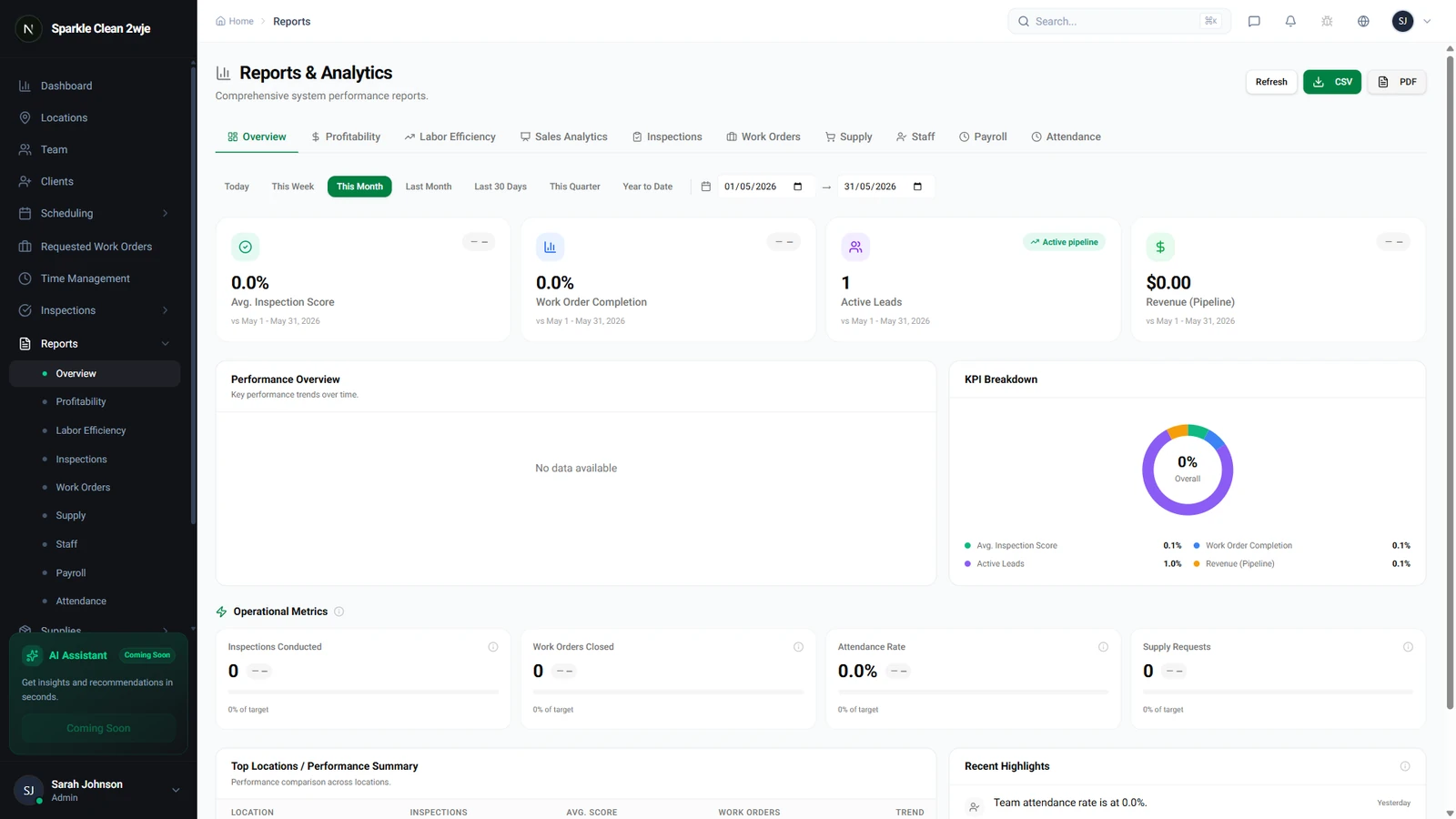
To view your team’s progress, simply navigate to the Reports section within your CleanTrack360 dashboard and select Staff Performance. This creates a dedicated view for individual performance metrics.
Key Metrics for Performance Reviews
The platform aggregates specific data points to give you a comprehensive overview of each employee's contribution to your operations. These metrics include:
- Attendance and Punctuality: Track attendance rates and on-time rates to monitor shift consistency.
- Quality Control: Review inspection scores to see how well individual staff members are meeting your cleaning standards.
- Development and Feedback: View training completion status and direct client feedback to understand the full scope of an employee’s impact.
Getting Started With Staff Reports
Integrating these reports into your management routine is straightforward. Use the data collected during your regular performance review cycles to ground your conversations in objective facts.
If you have questions about specific metrics or run into issues while navigating the reports, you can reach out to our team directly through the Support section in your dashboard. We are here to help you get the most out of your performance data.