Stop Chasing Scheduling Problems, Let the System Handle It
Managing a commercial cleaning crew means juggling multiple locations, changing shift requirements, and ensuring every client site is properly staffed. If you are still relying on manual systems or messaging apps to track who is working where, you know how quickly errors can occur.
CleanTrack360 is designed to simplify this process, helping you manage your team assignments directly within the platform. By centralizing your scheduling, you can reduce confusion and keep your operations running smoothly.
The Scheduling Challenge
When schedules are managed through manual updates or paper, even the best teams run into predictable friction points:
- Overlapping assignments: Accidentally scheduling the same team member for two different buildings at the same time.
- Communication lags: When a shift changes, failure to notify the team member can lead to missed shifts or last-minute confusion.
- Availability blind spots: It is difficult to know exactly who is available for a shift without cross-referencing outdated records.
How CleanTrack360 Scheduling Works
Managing Your Team Assignments
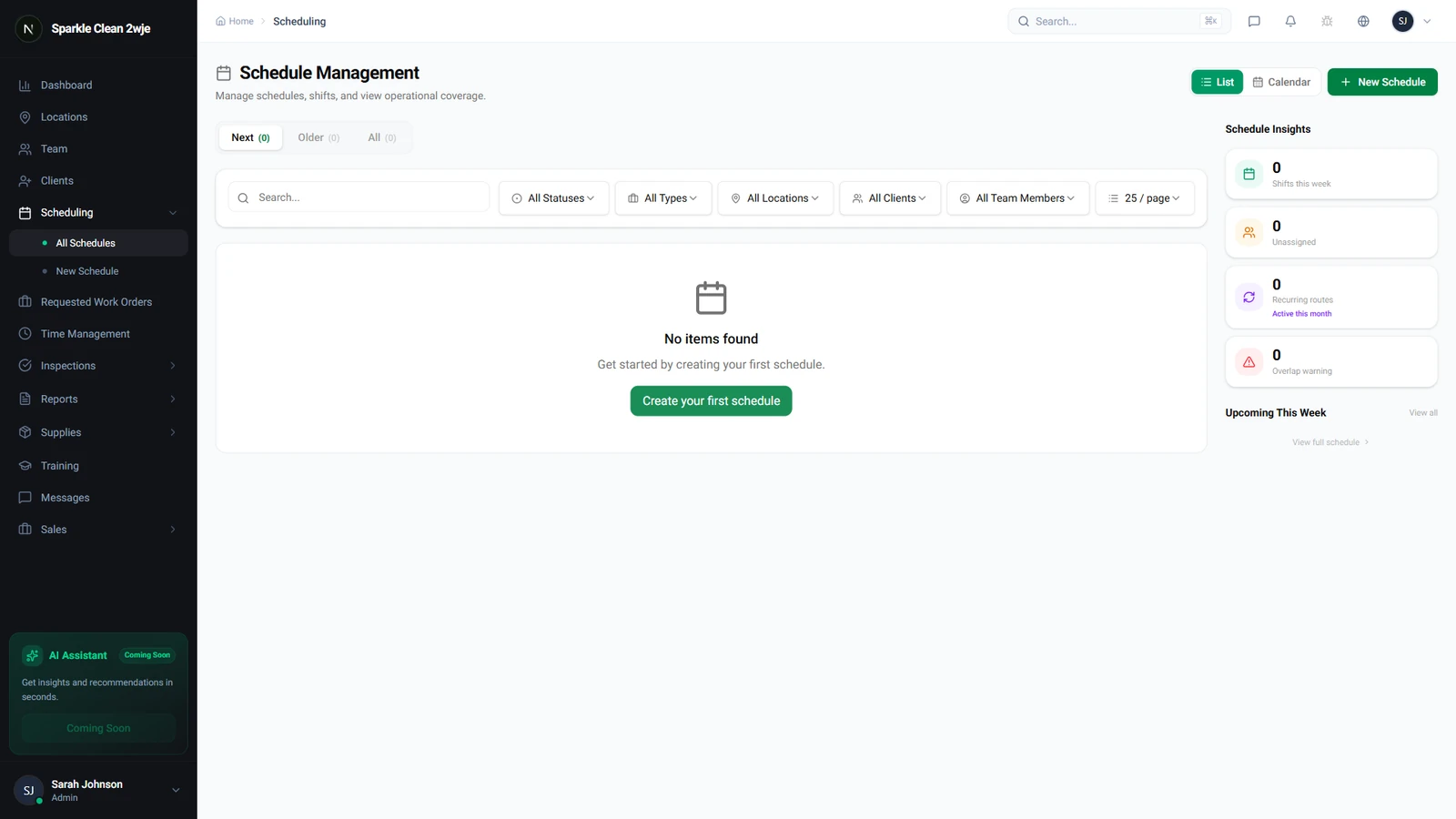
CleanTrack360 simplifies the assignment process by filtering your view to show only relevant, available staff. By opening the Schedules module and selecting a specific shift, you can use the 'Edit Team' feature to see your options.
The system intelligently filters for members who are both assigned to that specific location and currently available. If a member is already committed to another shift, they are labeled as 'Occupied,' helping you avoid double-booking errors.
Notifications and Updates
Once you select your team members and click Save, the system handles the communication for you. Team members who are added to a shift receive a notification, and those removed from a schedule are also alerted to the change.
Getting Started
You can begin managing your team assignments immediately by navigating to the Schedules tab in your dashboard. If you encounter any questions while configuring your shifts, you can reach out to our team directly through the Support section located in your dashboard.