Messages
Sending Messages to Your Team
Send messages and announcements.
Last updated June 10, 2026
Communicate with your team in real-time.
1
Messaging Interface
Open a channel to see the conversation thread and message input at the bottom.
2
Type & Send
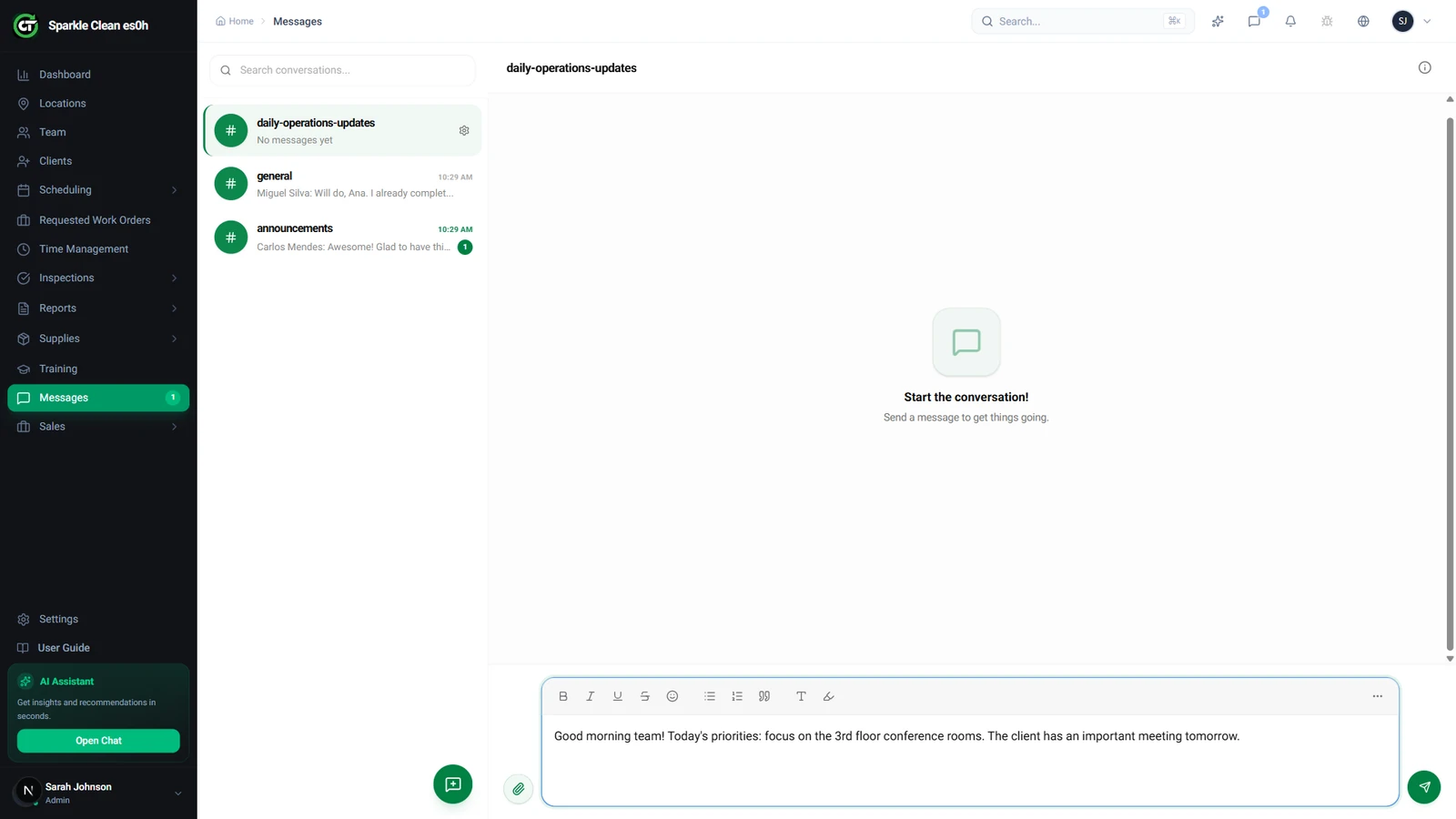
Type your message in the input field and press Enter or click Send. Messages are delivered instantly to all channel members.
3
Read Receipts
See who has read your message with delivery indicators.
💡
Pro tip: Use @mentions to get specific people's attention in group channels.
🙌
Need help? If you have any questions or run into issues, reach out through the Support section in your dashboard.