Quality Reports
Exporting Quality Reports
Download quality data as CSV or PDF.
Last updated June 10, 2026
Export quality reports for analysis or client presentations.
1
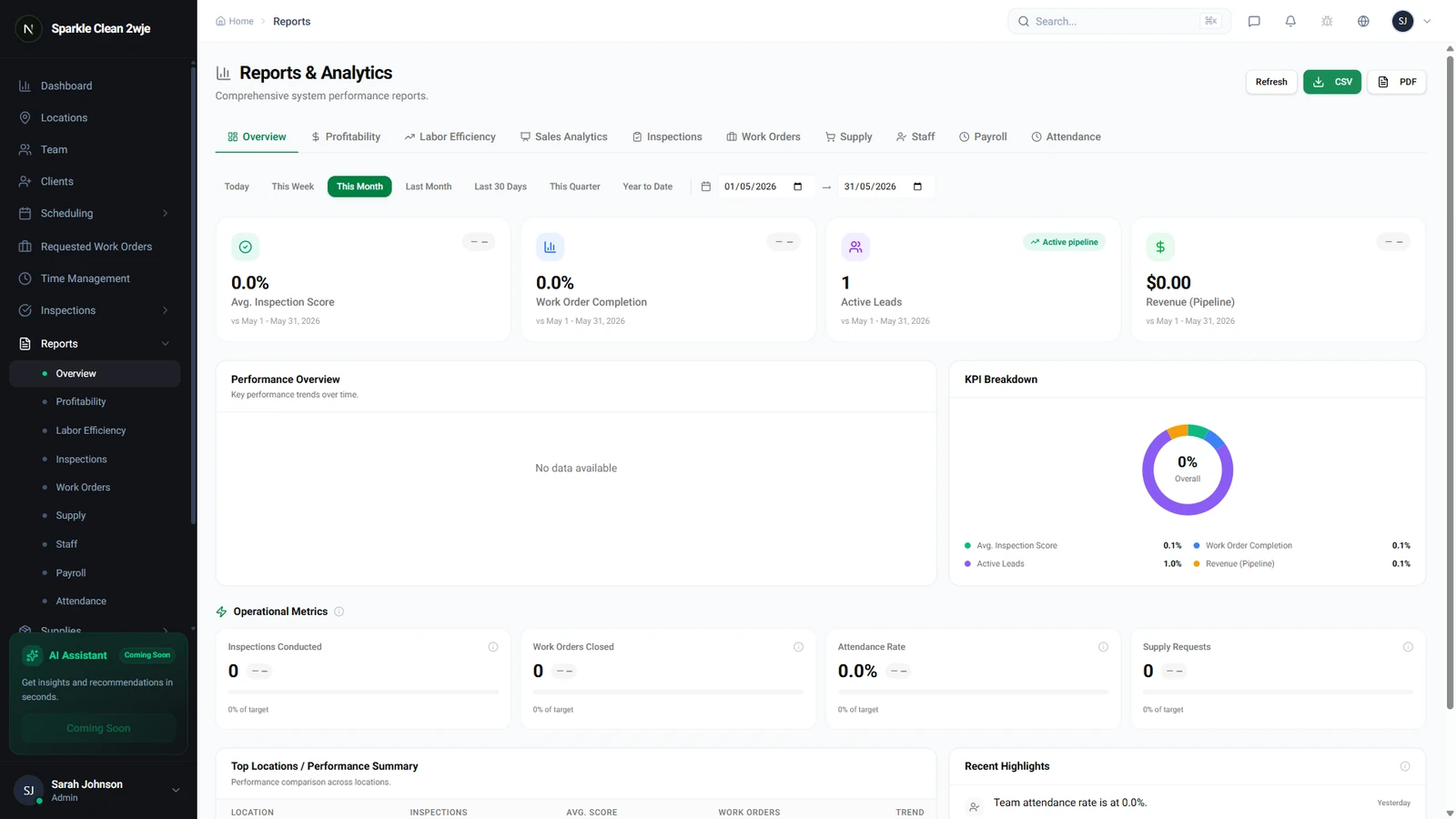
Export Quality Reports
In Reports, look for the Export button.
2
Choose Format
Click Export and select CSV or PDF. CSV is best for data analysis; PDF for sharing with clients.
💡
Pro tip: Export PDF reports for client-facing presentations with your company branding.
🙌
Need help? If you have any questions or run into issues, reach out through the Support section in your dashboard.