Clients
How to Edit a Client
Update client contact info or notes.
Last updated June 10, 2026
Keep client info current as contacts and details change.
1
Find the Client
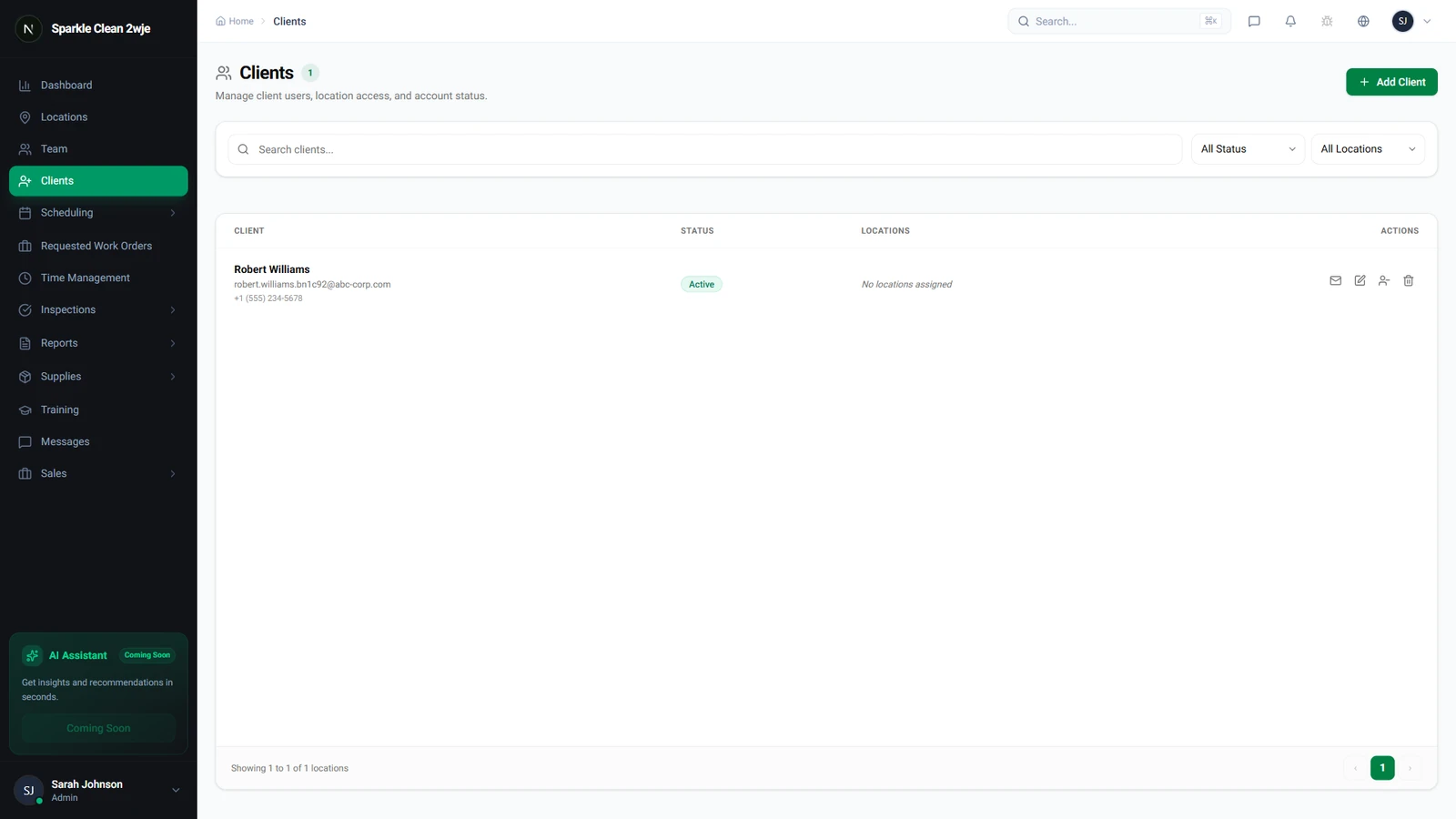
Go to Clients and search by name or email.
2
Open & Edit
Click the client name → Edit. Update company name, contact, email, phone, address, or notes.
3
Save
Click Save. Changes take effect immediately.
💡
Pro tip: If you change the email, they'll need the new one for portal login.
🙌
Need help? If you have any questions or run into issues, reach out through the Support section in your dashboard.