Inspections
Conducting an Inspection
Complete walkthrough of the inspection process.
Last updated August 1, 2026
Here's how to complete a quality inspection from start to finish.
1
Pending Inspections
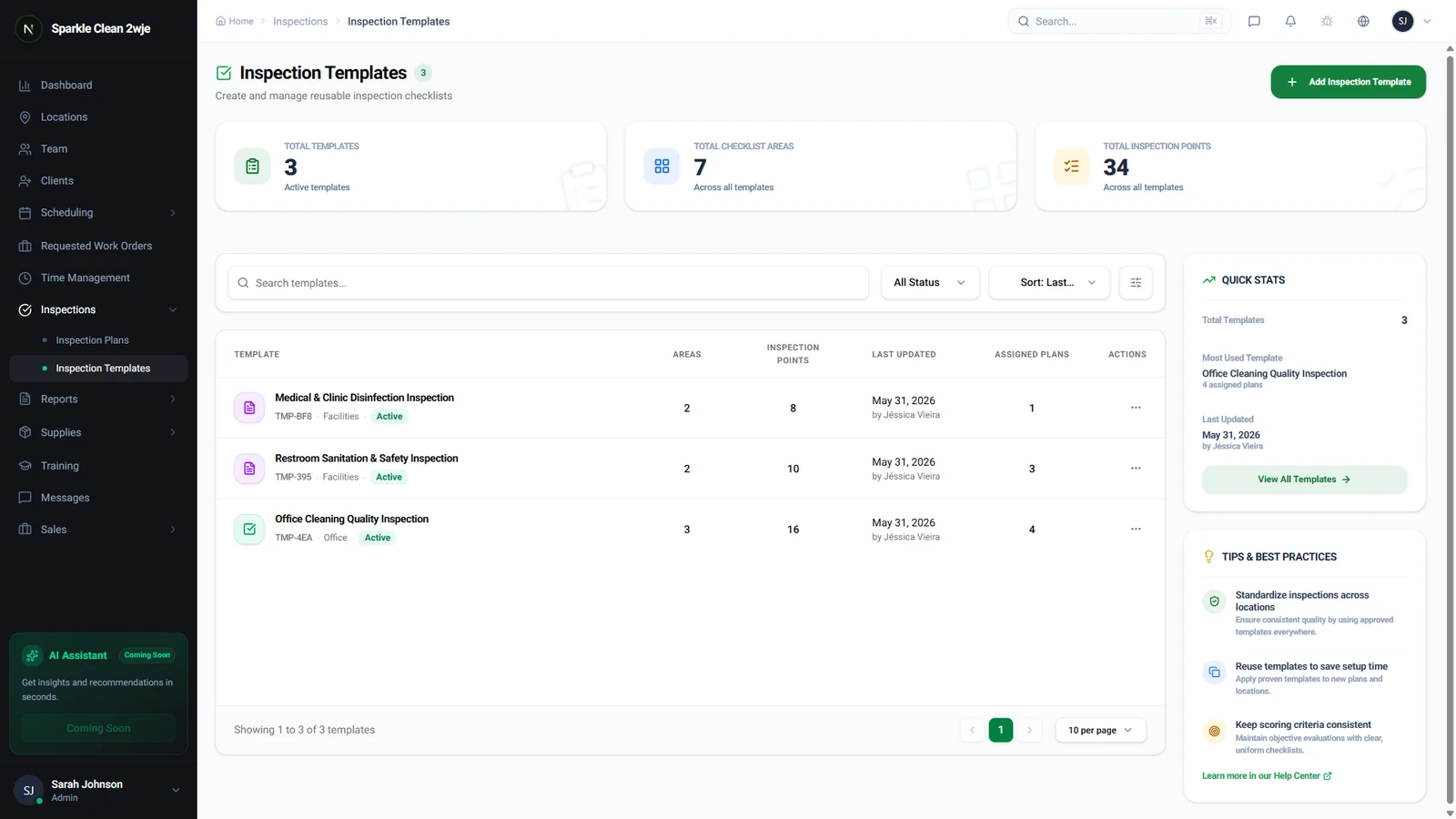
In Inspections, pending tasks are listed for completion. Each shows the location, template, due date, and assigned inspector.
2
Start the Inspection
Open the pending task and tap Start. Walk through each area systematically.
3
Score Each Item
Rate each item (1-5 stars or Pass/Fail). Add notes for low scores explaining what needs improvement.
💡
Pro tip: Be consistent, a "3" should mean the same thing every time.
4
Add Photos
Tap the 📷 camera icon to capture evidence. Photos are timestamped and geotagged automatically.
ℹ️
Only live photos, no gallery uploads, to ensure authenticity.
5
Submit
Review the summary, then click Submit. The report is generated instantly and available for review.
⚠️
Important: Submitted inspections cannot be edited. Double-check before submitting.
🙌
Need help? If you have any questions or run into issues, reach out through the Support section in your dashboard.