Inspections
Setting Up an Inspection Plan
Create an inspection schedule.
Last updated August 1, 2026
Plans combine a template with a schedule, what to inspect, where, and how often.
1
Inspection Plans
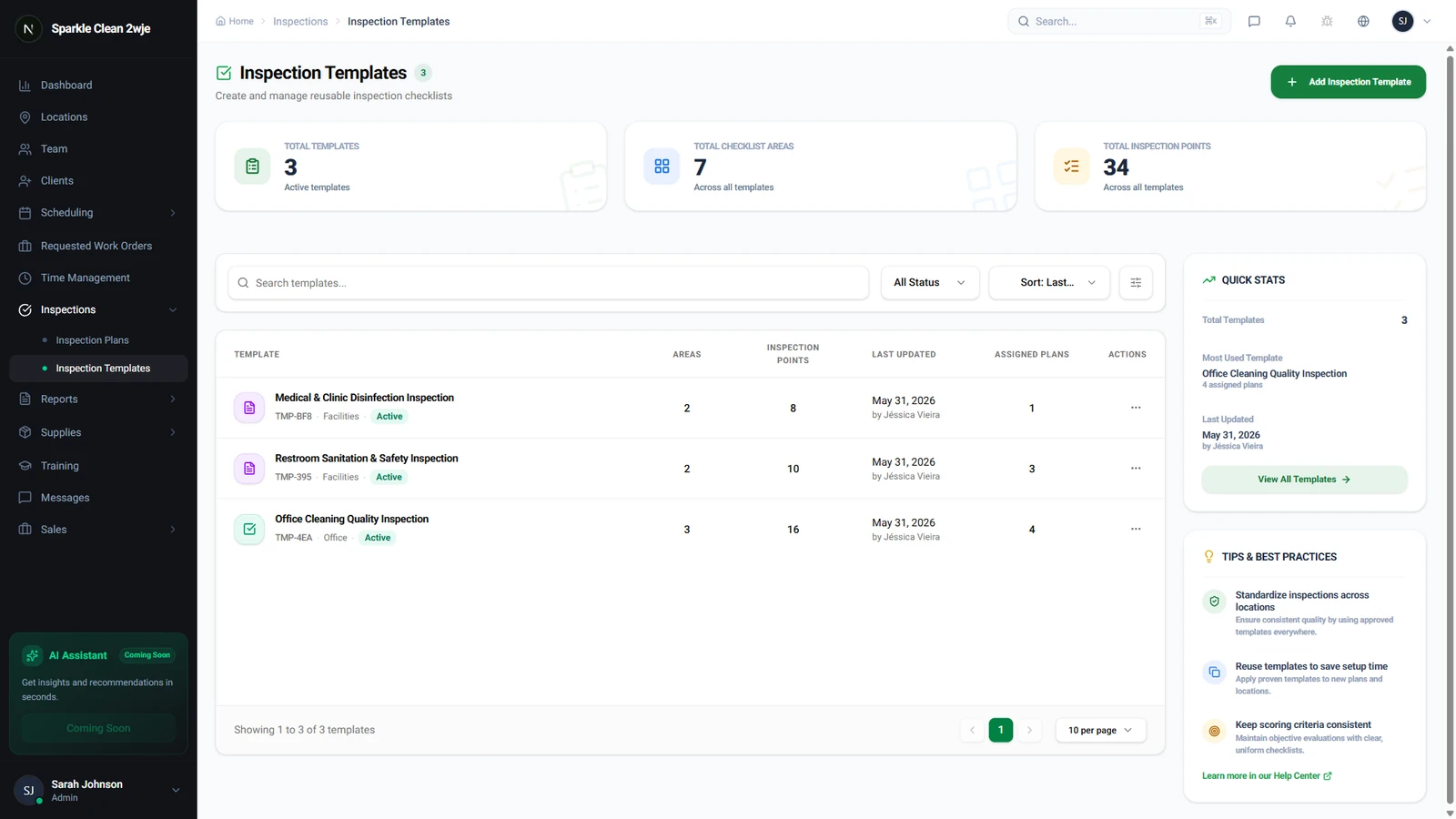
Go to Inspections → Plans to see all inspection plans.
2
Create a Plan
Click + Create Plan and configure:
ℹ️
Plans auto-generate inspection tasks based on frequency.
📋 Form Fields
| Field | Required | Description |
|---|---|---|
| Plan Name | ✅ Yes | Name for this plan. e.g. "Weekly Office Check" |
| Template | ✅ Yes | Which inspection template to use. e.g. "Standard Office Inspection" |
| Location(s) | ✅ Yes | Which locations this applies to. e.g. "Downtown Office Tower" |
| Frequency | ✅ Yes | Weekly, Bi-weekly, Monthly, etc. e.g. "Weekly" |
| Inspector | Optional | Who conducts inspections. Can auto-assign. e.g. "Supervisor on shift" |
| Start Date | ✅ Yes | When to start generating tasks. e.g. "June 1, 2024" |
3
Save
Click Save. Tasks are generated automatically on schedule.
💡
Pro tip: Create different plans for different service types.
🙌
Need help? If you have any questions or run into issues, reach out through the Support section in your dashboard.