Inspections
Editing Inspection Templates
Modify areas, items, or scoring.
Last updated June 10, 2026
Update templates as your quality standards evolve.
1
Find the Template
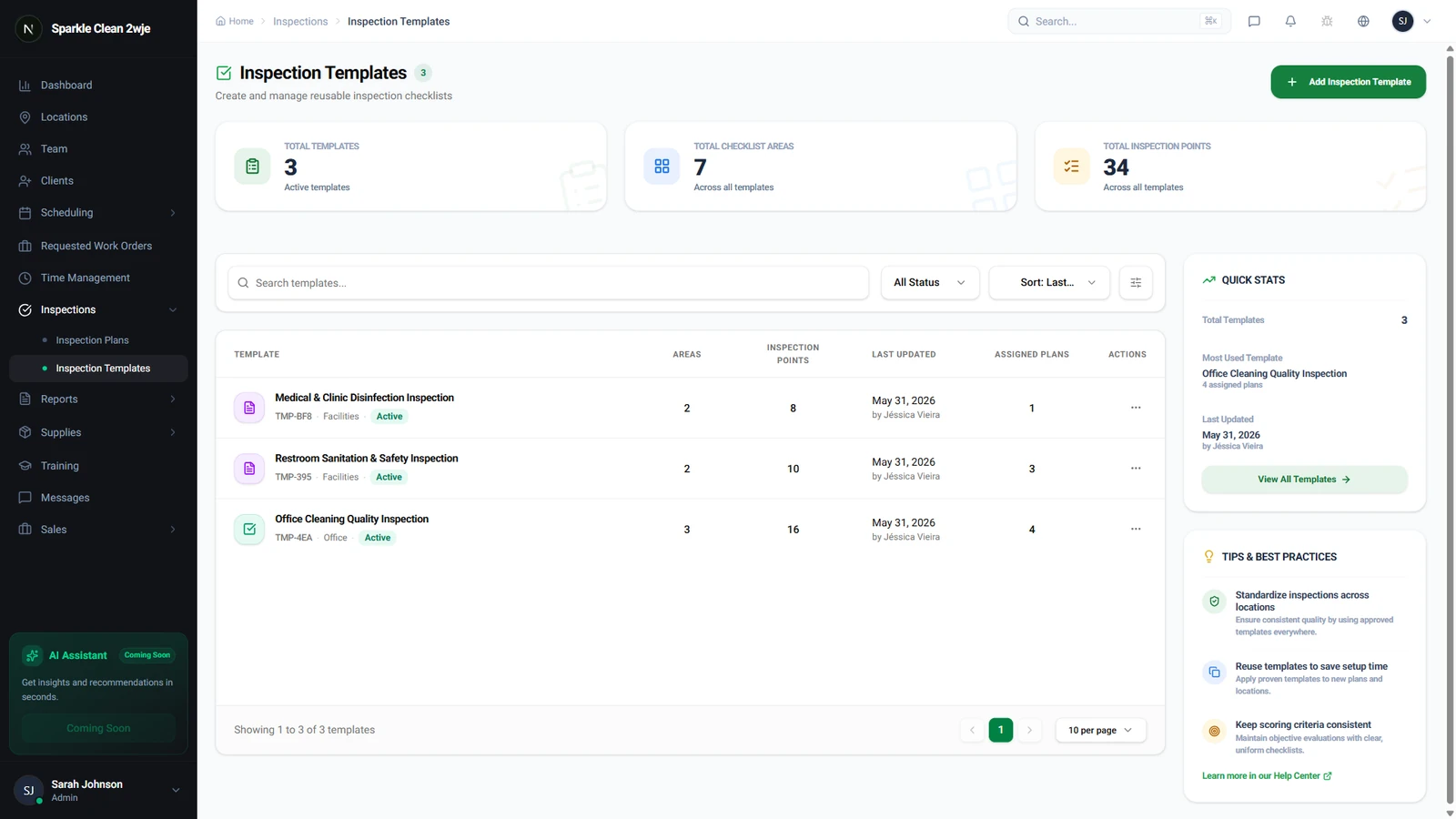
Go to Inspections → Templates and find the one to edit.
2
Edit
Click the template → Edit Template. Add/remove areas, items, change rating scales, or reorder.
3
Save
Click Save. Changes apply to future inspections only.
⚠️
Important: Past inspection results are NOT modified by template changes.
🙌
Need help? If you have any questions or run into issues, reach out through the Support section in your dashboard.