Training
Creating Training Materials
Build training content for your team.
Last updated June 4, 2026
Training materials help onboard new hires and maintain consistent standards. 🎓
1
Open Training
Click Training in the sidebar. You'll see all training materials.
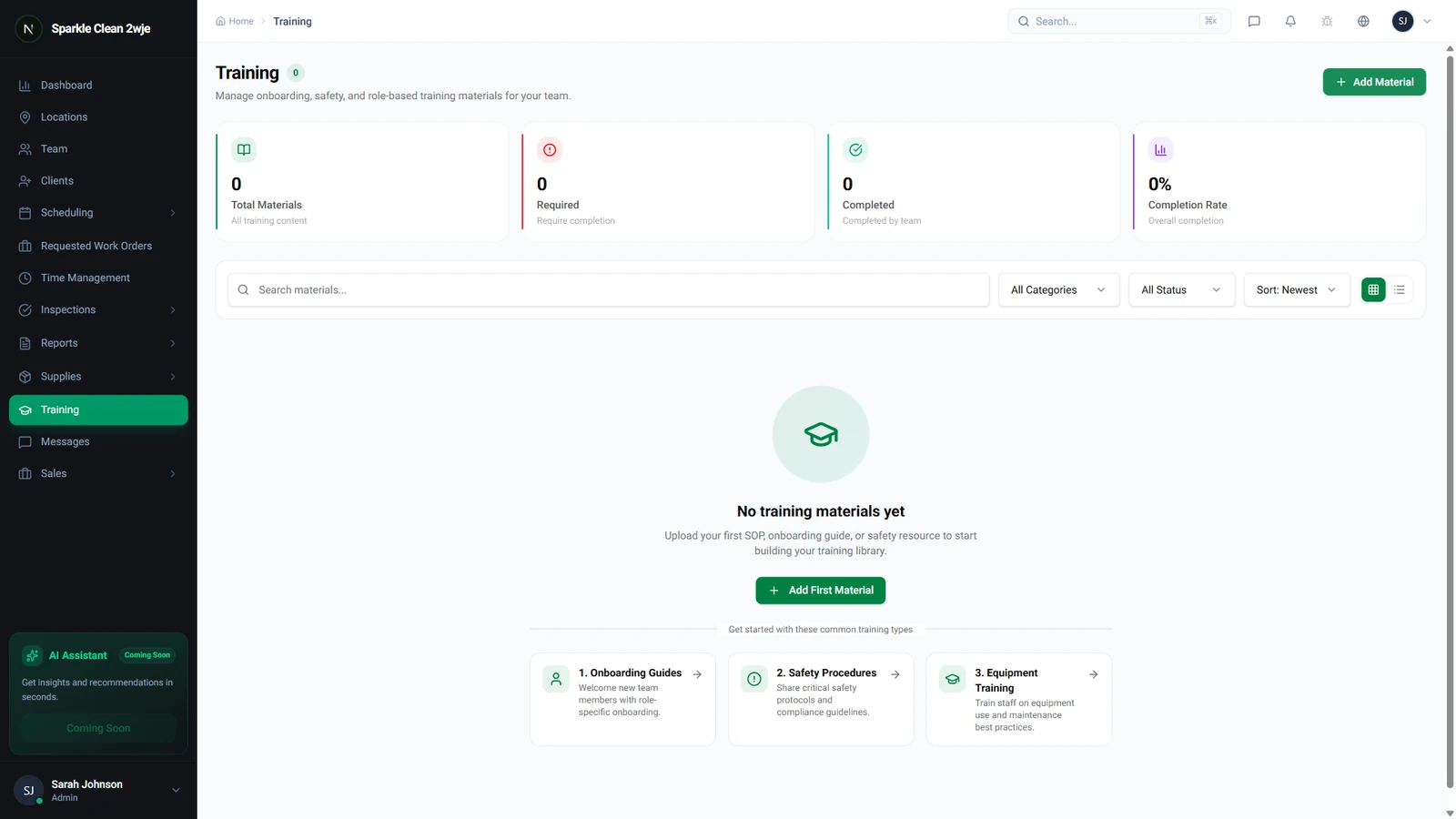
2
Create Material
Click + Create Material and fill in:
💡
Pro tip: Use short, focused modules (10-15 min). Break long topics into multiple modules.
📋 Form Fields
| Field | Required | Description |
|---|---|---|
| Title | ✅ Yes | Name of the training module. e.g. "Restroom Cleaning Procedures" |
| Category | Optional | Group trainings by topic. e.g. "Safety, Procedures, Equipment" |
| Content Type | ✅ Yes | Text, Video, Document upload, or Mixed. e.g. "Video + Text" |
| Content | ✅ Yes | The actual training content. e.g. "Step-by-step instructions with photos" |
| Duration | Optional | Estimated time to complete. e.g. "15 minutes" |
3
Save
Click Save. The material is ready for assignment.
🙌
Need help? If you have any questions or run into issues, reach out through the Support section in your dashboard.