Training
Editing Training Content
Update training materials.
Last updated June 10, 2026
Keep training content current as procedures evolve.
1
Find the Training Material
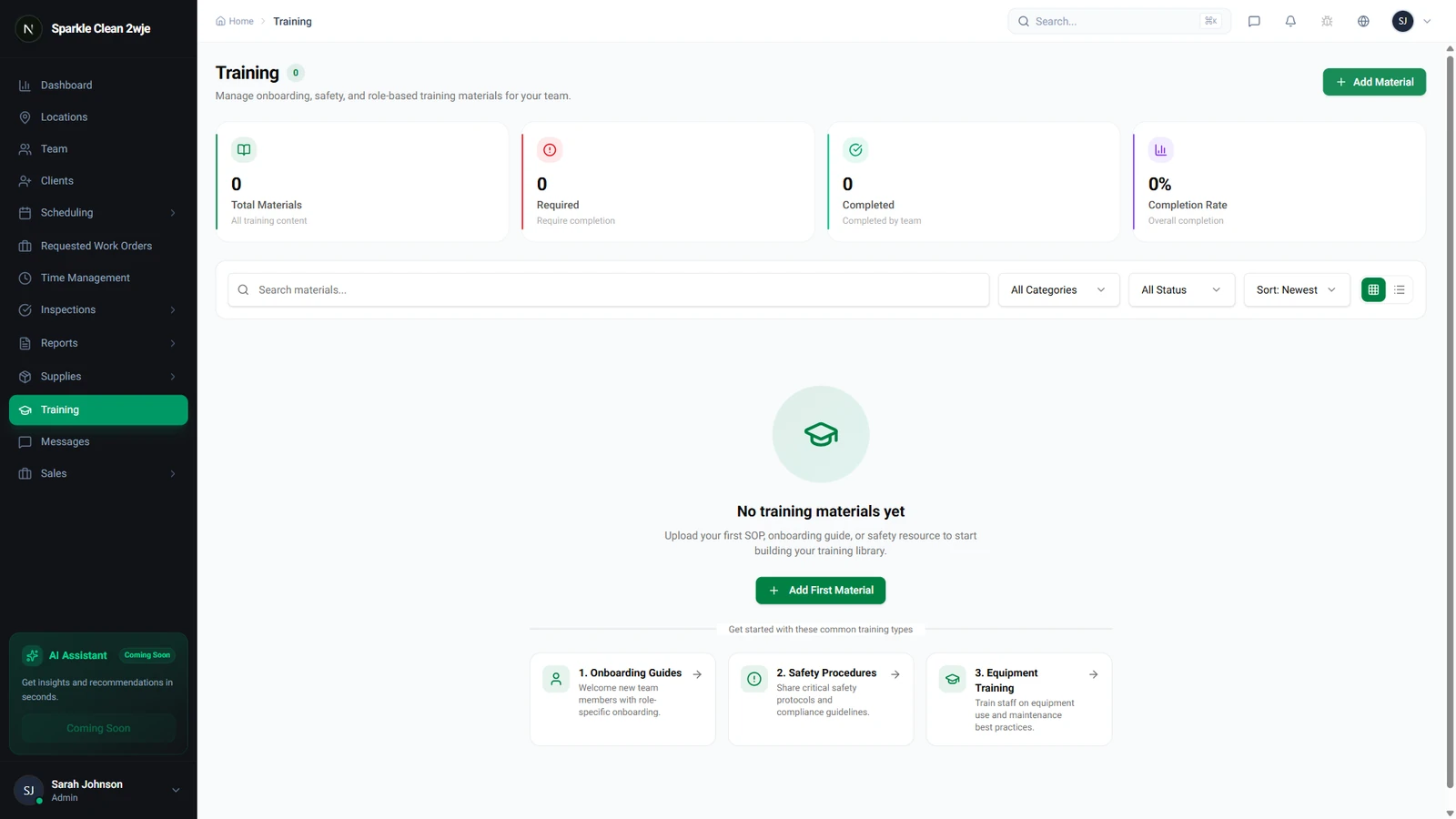
Go to Training and find the material to edit.
2
Edit
Click the material → Edit. Update title, content, or category.
3
Save
Click Save. Team members who haven't completed it will see the updated version.
ℹ️
Already-completed records are preserved with the original version.
🙌
Need help? If you have any questions or run into issues, reach out through the Support section in your dashboard.