Training
How Employees View Training Content
The team member's training experience.
Last updated June 10, 2026
Here's what team members see when they access their training.
1
Training Module View
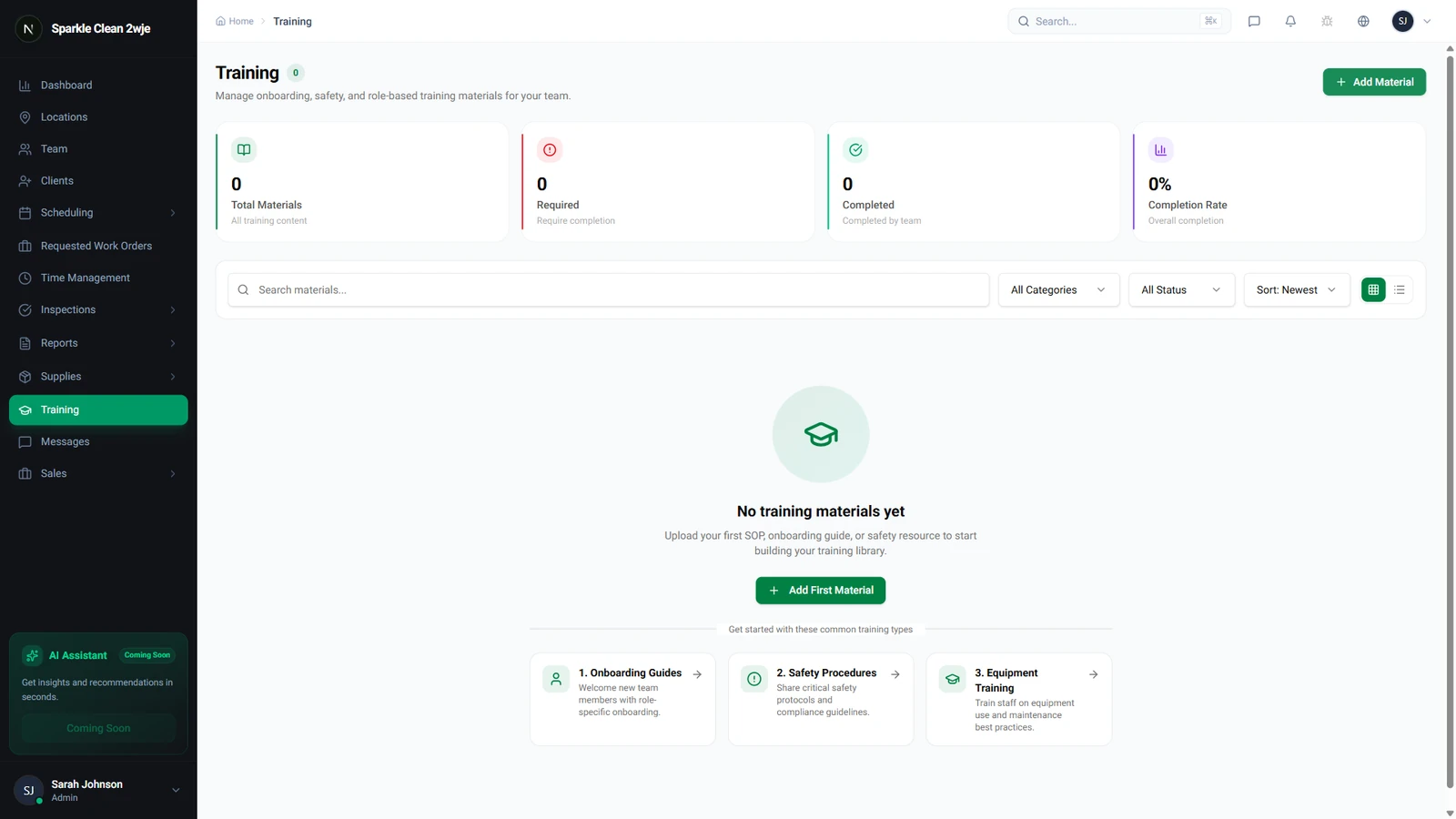
Team members see their assigned training in the Training section of the mobile app.
2
Employee Experience
Team members see: assigned materials, completion progress, deadlines, and certificates.
3
Complete Training
They work through the content, then mark as complete or take the quiz if one is attached.
ℹ️
Completion status is tracked and visible to managers in the Training dashboard.
🙌
Need help? If you have any questions or run into issues, reach out through the Support section in your dashboard.