Training
Adding Quizzes to Training Modules
Verify understanding with quizzes.
Last updated June 10, 2026
Quizzes ensure team members actually understand the material.
1
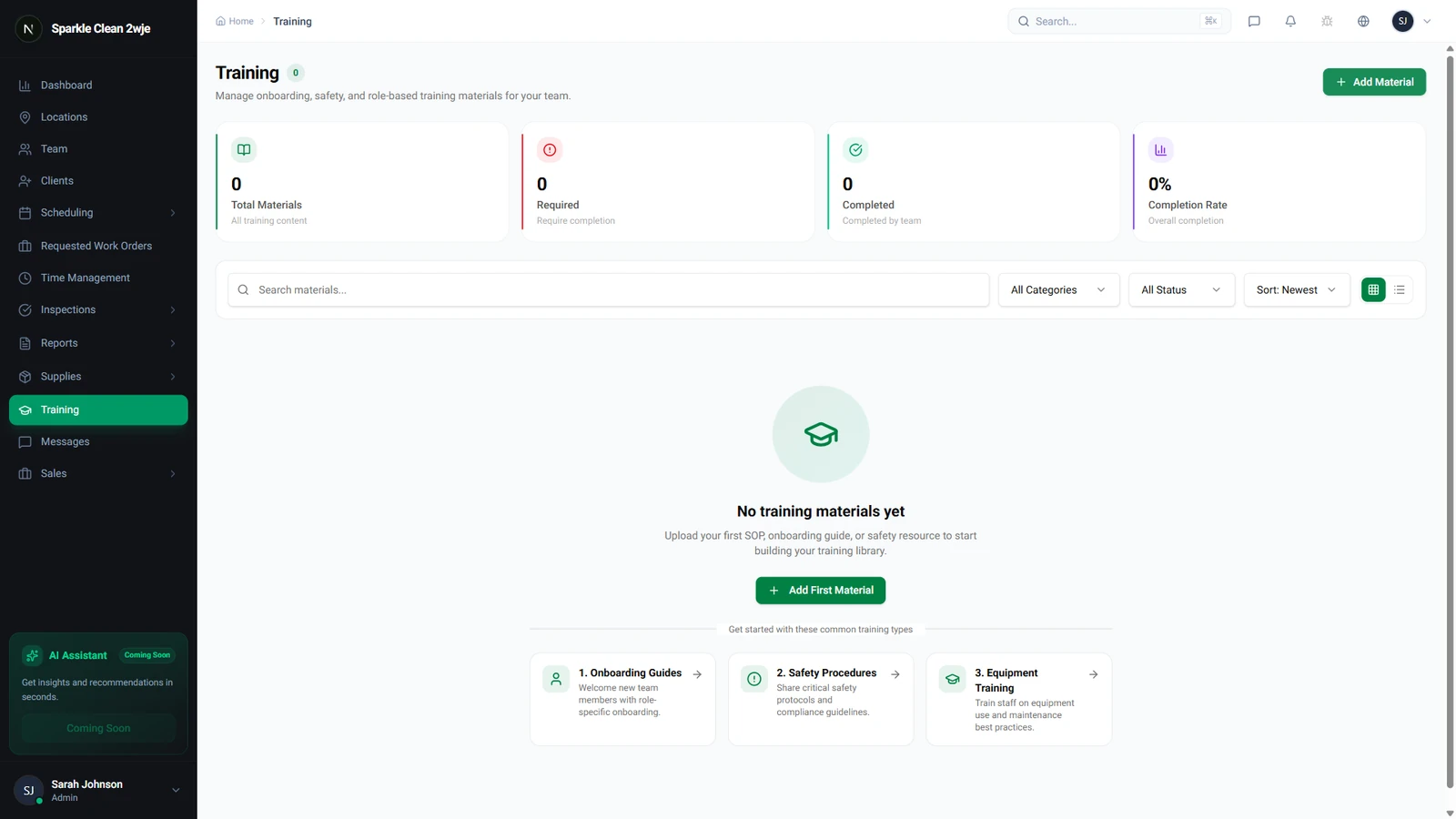
Training with Quizzes
Quizzes can be attached to any training material to verify understanding.
2
Add a Quiz
Edit a training material → click Add Quiz. Create multiple-choice or true/false questions.
📋 Form Fields
| Field | Required | Description |
|---|---|---|
| Question | ✅ Yes | The question text. e.g. "What is the correct dilution ratio?" |
| Answer Options | ✅ Yes | 2-5 answer choices. e.g. "A) 1:5 B) 1:10 C) 1:20" |
| Correct Answer | ✅ Yes | Which option is correct. e.g. "B) 1:10" |
| Passing Score | ✅ Yes | Minimum score to pass. e.g. "80%" |
3
Results
Members must pass the quiz to complete the training. Failed attempts can be retried.
💡
Pro tip: Include 5-10 questions covering the key points of your training material.
🙌
Need help? If you have any questions or run into issues, reach out through the Support section in your dashboard.