Getting Started
Understanding the Dashboard
Learn how to navigate and use the CleanTrack360 dashboard.
Last updated August 1, 2026
The dashboard is your command center, a real-time overview of everything happening in your cleaning operations. Let's explore what's available! 📊
1
Your Dashboard at a Glance
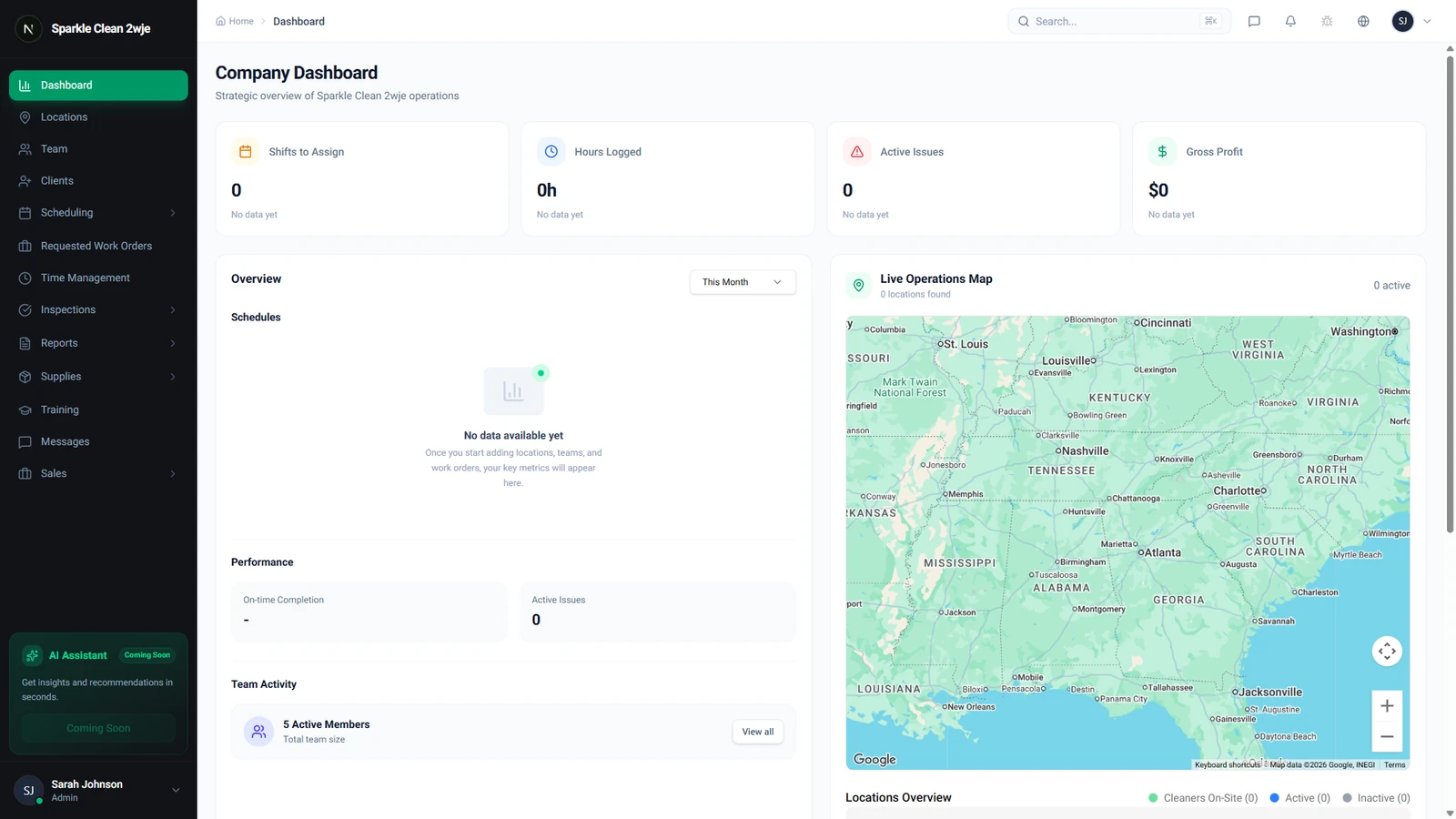
After logging in, you'll land on the Dashboard. This shows key metrics including upcoming schedules, team activity, active locations, and recent notifications.
2
Key Metrics & Stats
The top section shows real-time statistics: active schedules, team members on shift, completed cleanings today, and any pending inspections or supply requests.
3
Quick Actions
Use the quick action buttons to jump straight to creating a schedule, adding a team member, or viewing reports without navigating through the sidebar.
💡
Pro tip: The dashboard adapts based on your role, Admins see company-wide stats, while Managers see their team's metrics.
🙌
Need help? If you have any questions or run into issues, reach out through the Support section in your dashboard.