Getting Started
Creating Your CleanTrack360 Account
Step-by-step guide to registering your company on CleanTrack360.
Ready to streamline your cleaning operations? Creating your CleanTrack360 account takes just a few minutes. Follow along and you'll be up and running in no time! 🚀
Open the Registration Page
Navigate to cleantrack360.com/register. You'll see a clean, modern wizard that guides you through the entire process.
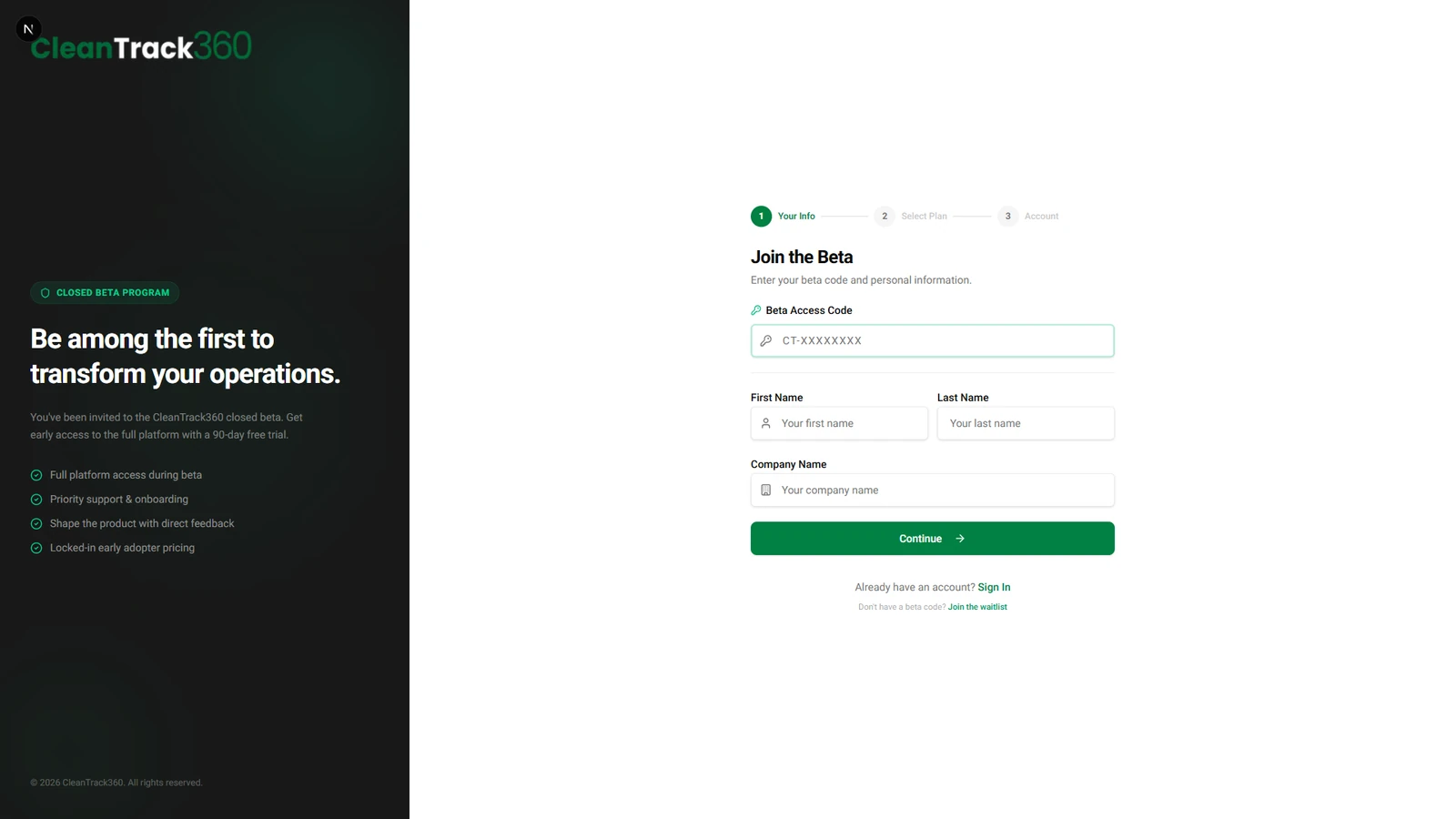
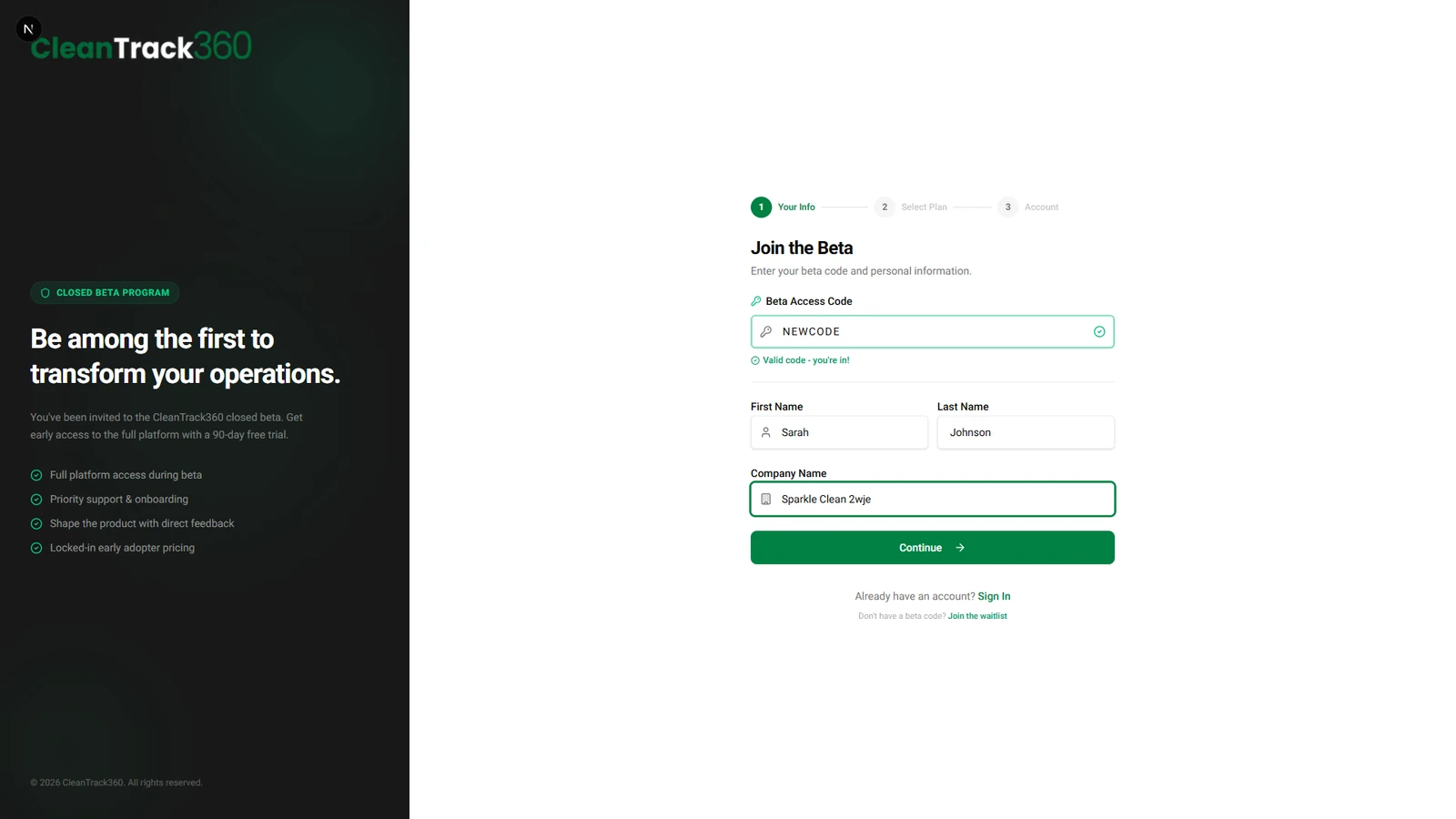
Enter Your Information
Fill in your access code, first name, last name, and company name. Your company name will appear throughout the platform.
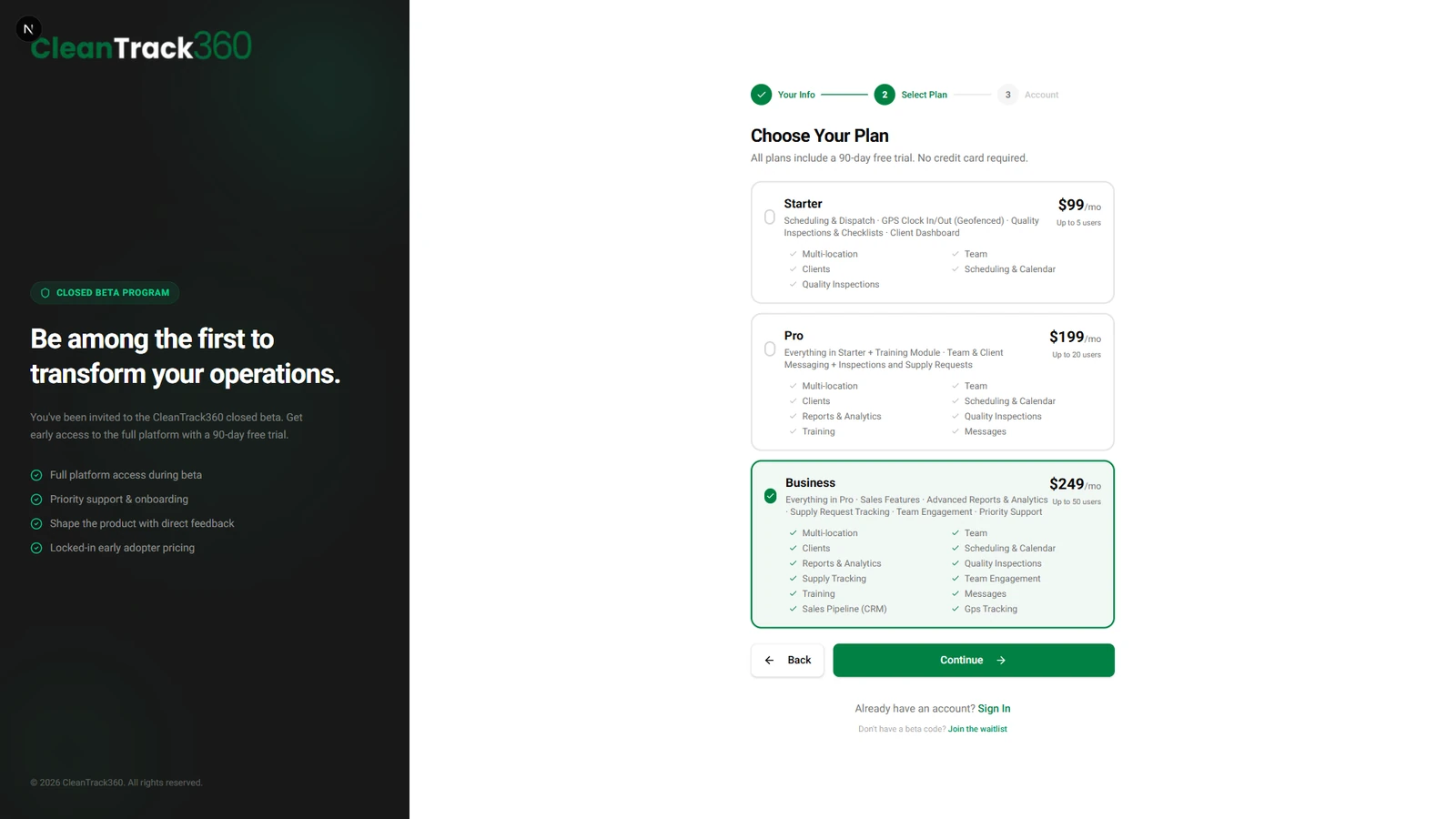
Choose Your Plan
Select the plan that best fits your business. Each plan card shows the price, user limit, and included modules. All plans start with a free trial!
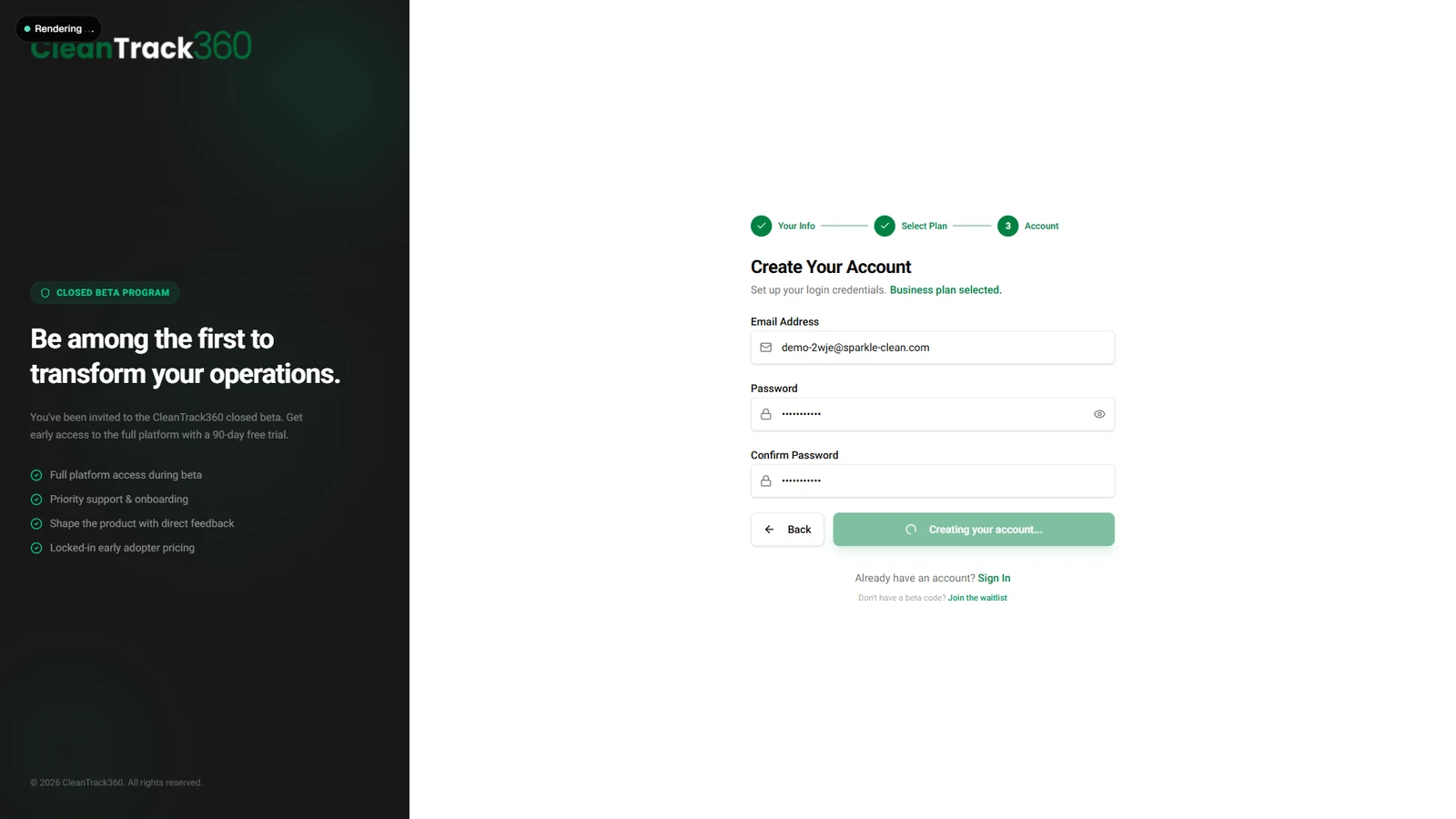
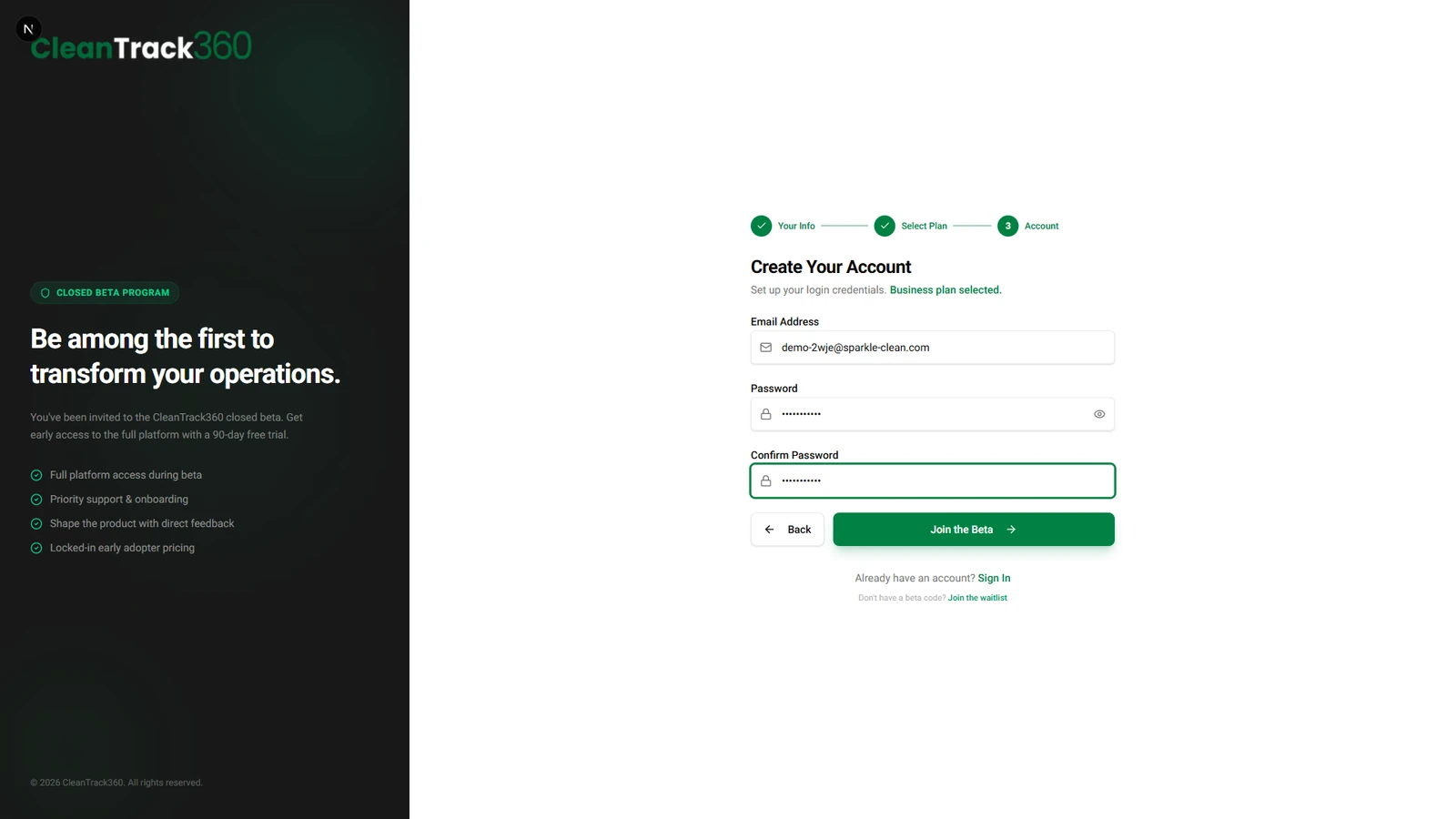
Create Your Login Credentials
Enter your business email and create a strong password. This will be the admin account for your company with full access to all features.
Registration Complete! 🎉
After submitting, you'll be redirected to the login page. Use your new credentials to sign in and start setting up your company.