Getting Started
Initial Setup: Company Profile & Branding
Set up your company profile, logo, and branding after your first login.
Last updated June 10, 2026
After creating your account, the first thing you'll want to do is personalize your CleanTrack360 experience. Let's set up your company profile! ✨
1
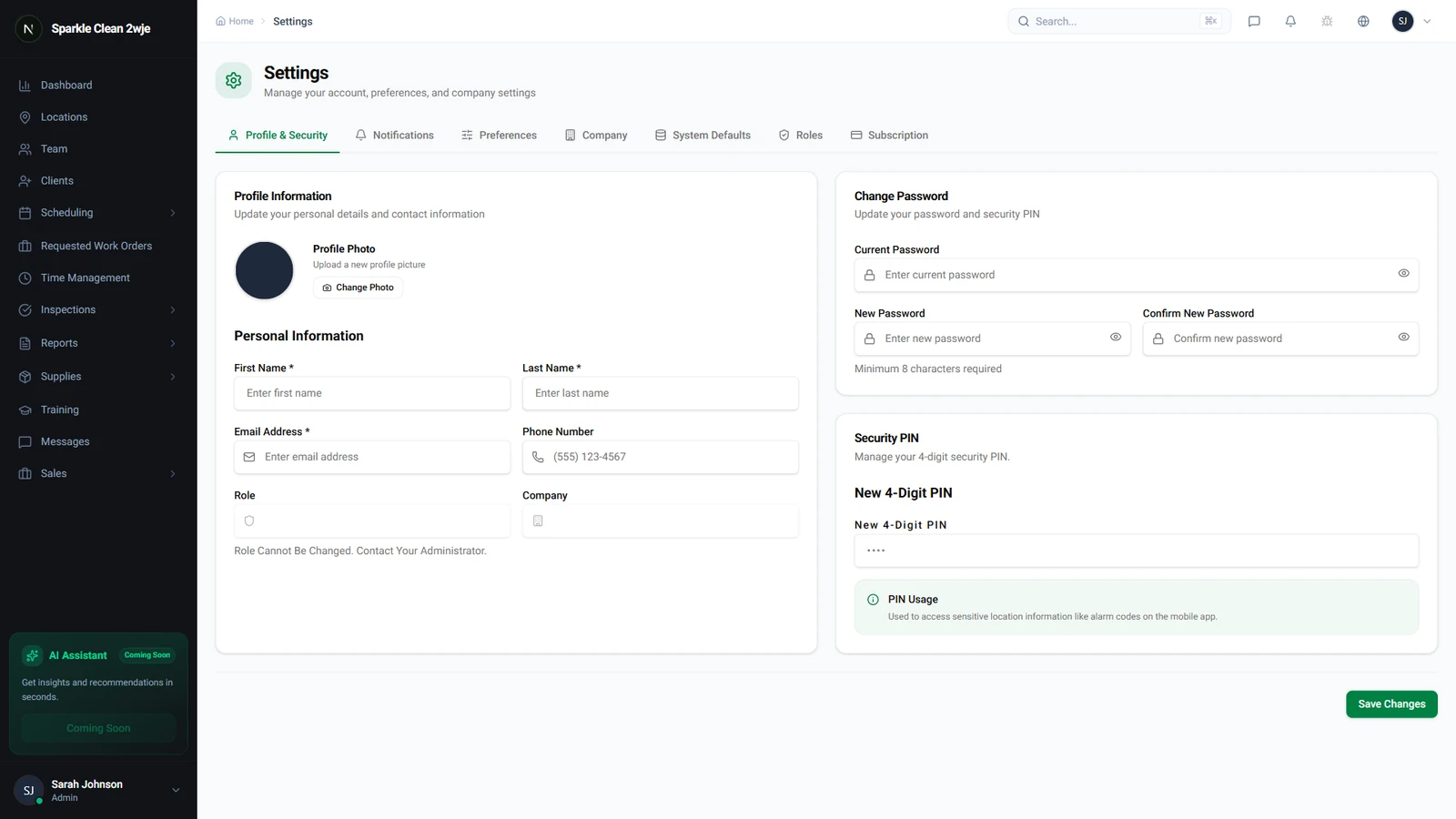
Navigate to Settings
Click Settings in the sidebar to access your company configuration. This is your command center for all company-wide preferences.
2
Upload Your Company Logo
In the Company Profile tab, click the logo area to upload your company logo. Supported formats are PNG, JPG, and SVG. Your logo will appear on proposals, reports, and the sidebar.
3
Fill in Company Details
Complete your company information: phone number, address, website, and business hours. These details are used in client-facing documents.
🙌
Need help? If you have any questions or run into issues, reach out through the Support section in your dashboard.