Settings
Customizing Your Brand
Logo and color customization.
Last updated June 10, 2026
Make CleanTrack360 feel like YOUR platform with custom branding. 🎨
1
Branding Settings
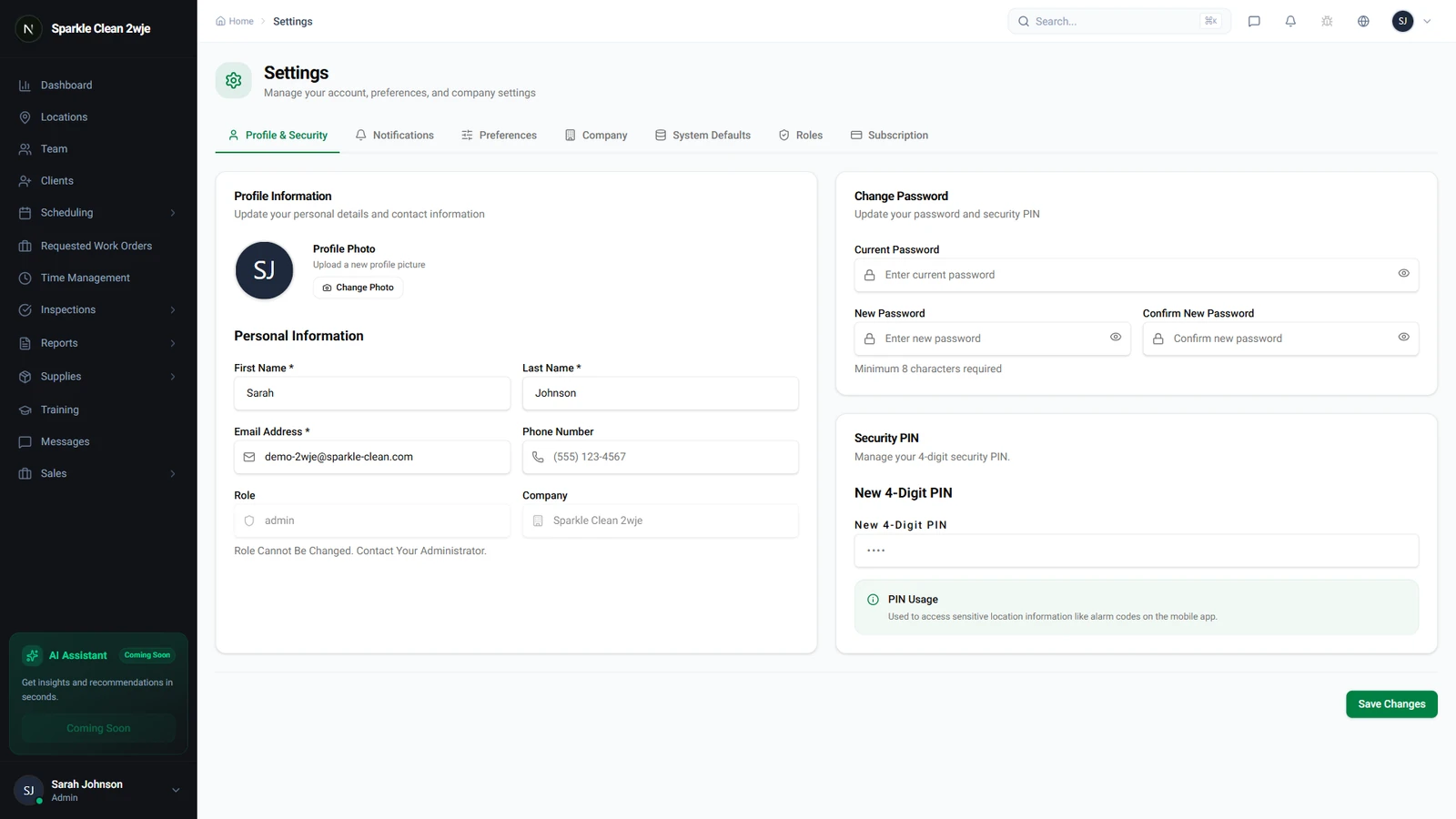
In Settings, find the Branding section.
2
Upload Logo
Upload your company logo. It appears in: proposals, client portal, reports, and email notifications.
ℹ️
Recommended: PNG or SVG, at least 200×200px, transparent background.
3
Set Brand Colors
Choose your primary and secondary brand colors. They're applied throughout the platform.
💡
Pro tip: Use your official brand colors for a professional, consistent look.
🙌
Need help? If you have any questions or run into issues, reach out through the Support section in your dashboard.