Settings
Company Profile Settings
Update your company information.
Last updated August 1, 2026
Set up your company profile. This info appears across the platform.
1
Company Settings
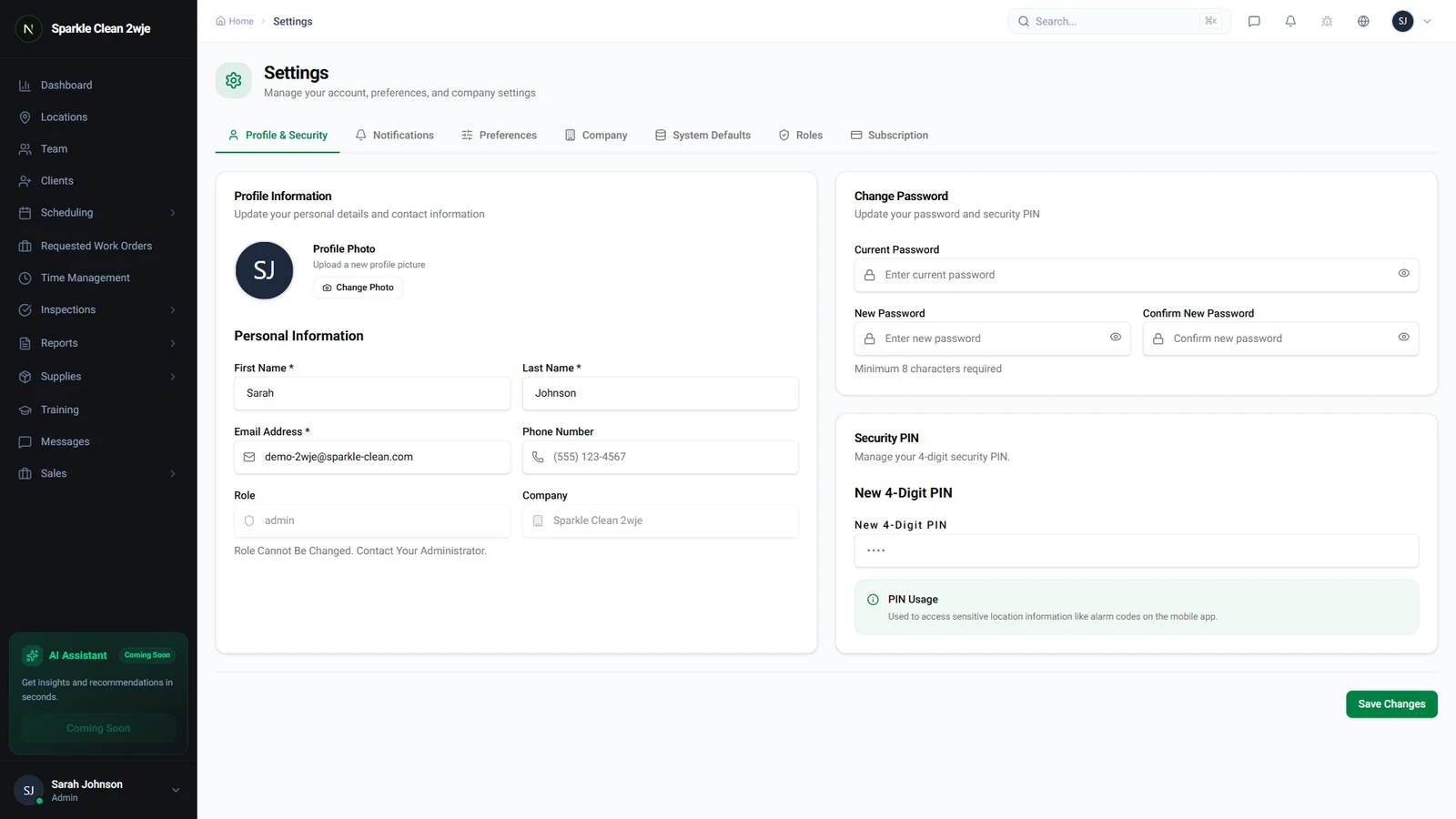
Click Settings in the sidebar. The Company Profile section is shown first.
2
Update Company Info
Edit your company details:
📋 Form Fields
| Field | Required | Description |
|---|---|---|
| Company Name | ✅ Yes | Your company's legal or display name. e.g. "Sparkle Clean Services" |
| Phone | Optional | Main business phone number. e.g. "(555) 111-2222" |
| Optional | Main business email. e.g. "info@sparkleclean.com" | |
| Address | Optional | Business headquarters address. e.g. "789 Clean St, Suite 100" |
| Website | Optional | Your company website. e.g. "www.sparkleclean.com" |
| Timezone | ✅ Yes | Used for scheduling and reports. e.g. "Eastern Time (ET)" |
3
Save
Click Save. Company info appears in proposals, reports, and the client portal.
🙌
Need help? If you have any questions or run into issues, reach out through the Support section in your dashboard.