Settings
Managing Your Subscription Plan
View and change your plan.
Last updated June 10, 2026
Manage your subscription, features, and user limits.
1
Subscription Settings
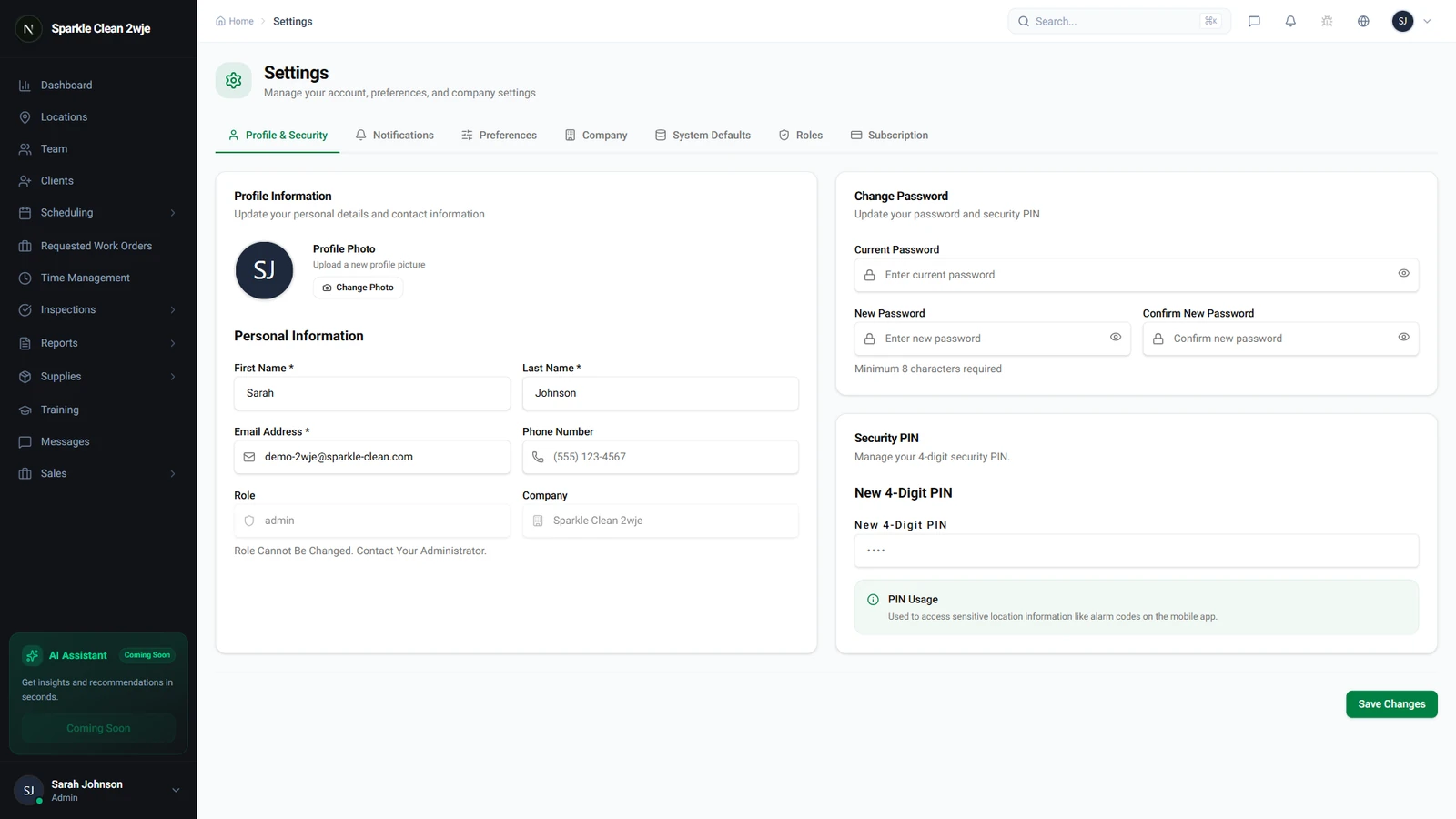
In Settings, navigate to Subscription.
2
Current Plan
See your current plan, included features, user limits, and billing cycle.
3
Upgrade/Downgrade
Click Change Plan to upgrade or downgrade. Changes take effect at the next billing cycle.
ℹ️
Upgrading is immediate. Downgrading takes effect at the end of the current billing period.
🙌
Need help? If you have any questions or run into issues, reach out through the Support section in your dashboard.