Settings
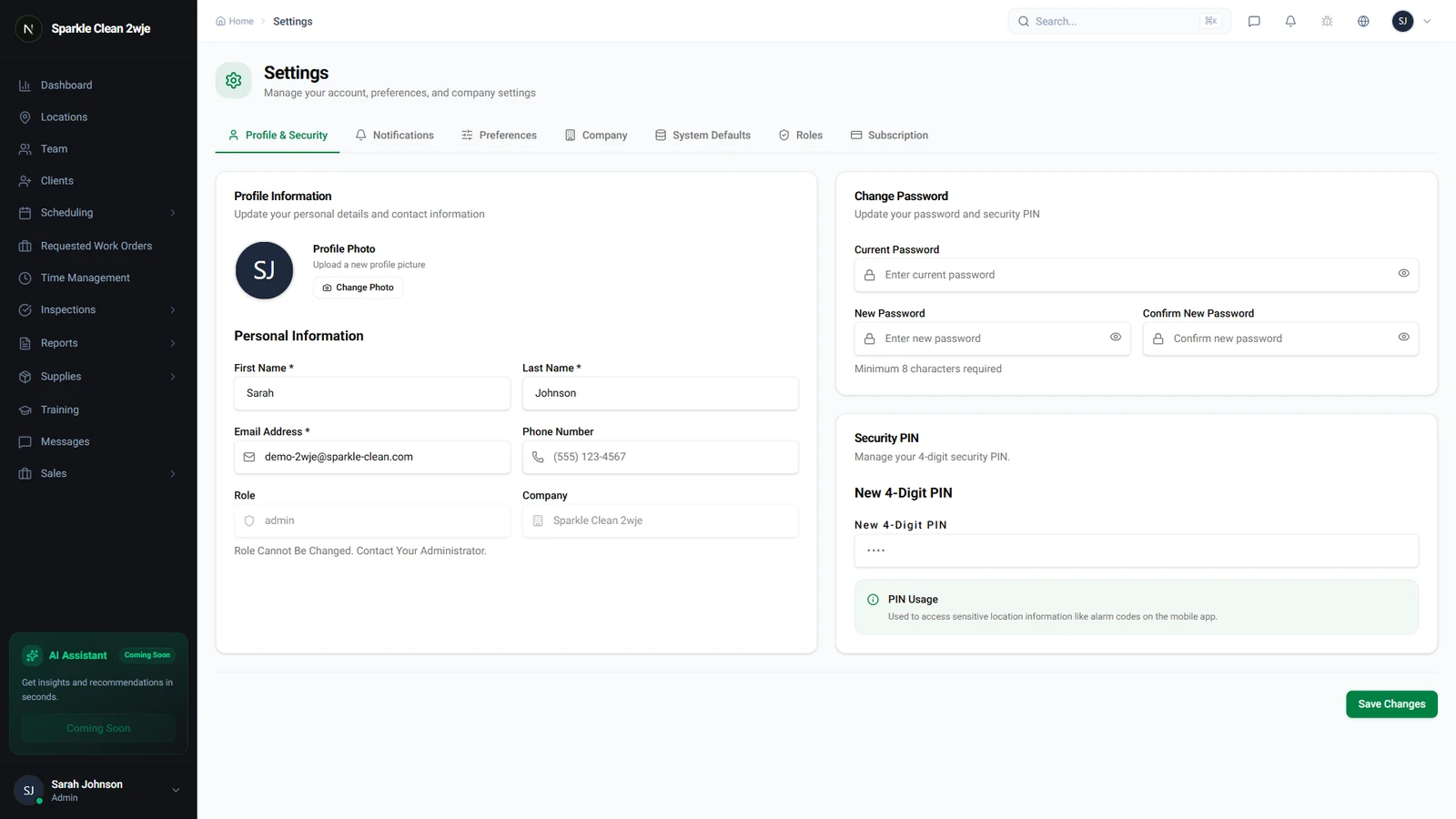
Security & Session Settings
Password policies and session control.
Last updated August 1, 2026
Protect your account with proper security settings.
1
Security Settings
In Settings, navigate to Security.
2
Session Settings
Configure: session timeout, force logout on inactivity, and concurrent session limits.
3
Password Policy
Set minimum password requirements: length, complexity, and expiration period.
⚠️
Important: Enforce strong passwords, at least 8 characters with mixed case, numbers, and symbols.
4
Activity Log
Review login history and security events for all team members.
💡
Pro tip: Review the activity log monthly for unusual login patterns or failed attempts.
🙌
Need help? If you have any questions or run into issues, reach out through the Support section in your dashboard.