Team Management
Assigning Locations to a Team Member
Link a member to specific service locations.
Last updated August 1, 2026
Assigning locations determines where a team member can be scheduled.
1
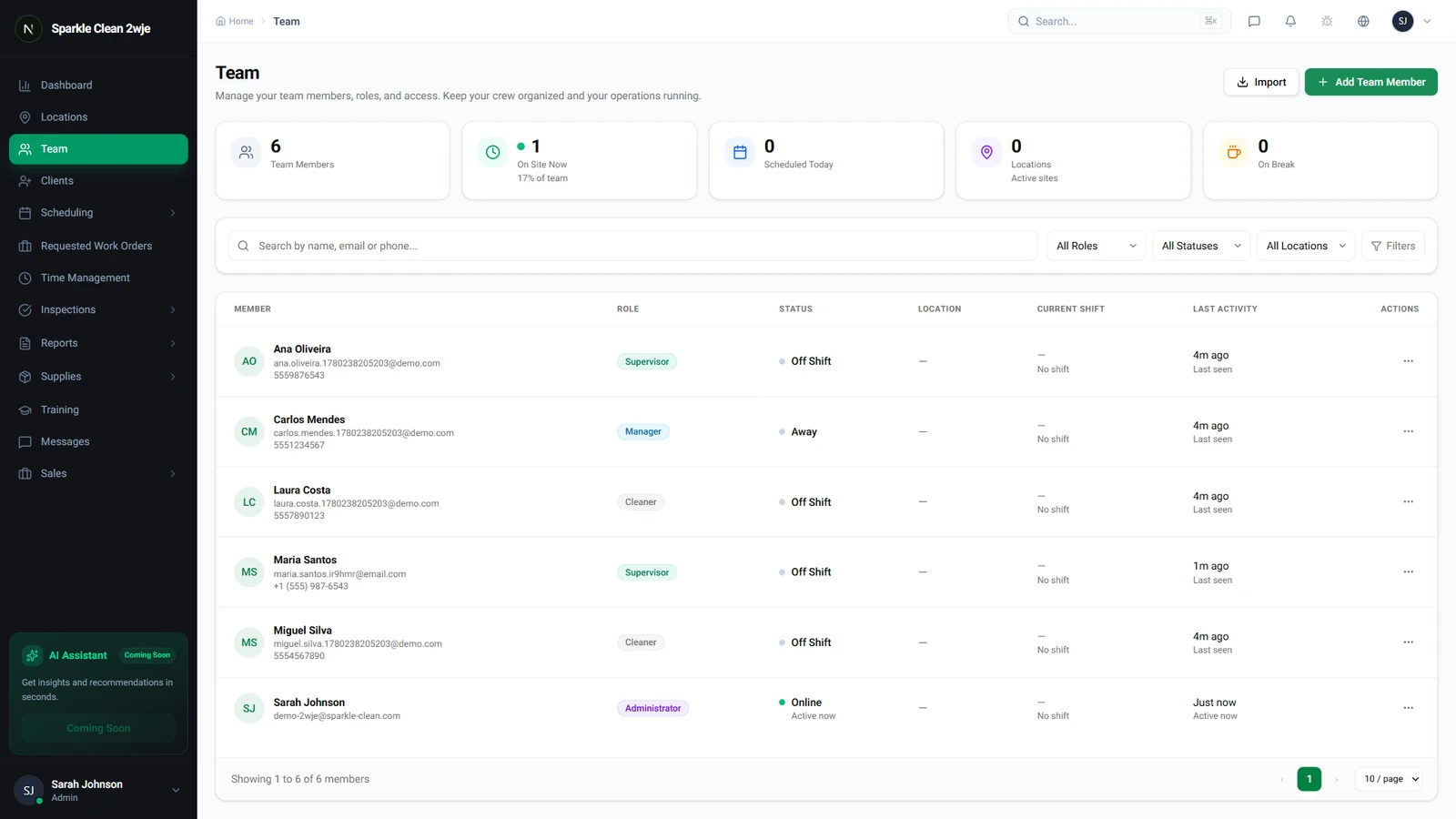
Open a Team Member's Profile
Go to Team and click the member you want to assign locations to.
2
Go to Locations Tab
Click the Locations tab on their profile.
3
Assign Locations
Click Assign Locations and check the locations where this member should work.
💡
Pro tip: Assigning doesn't schedule them. It makes them available for scheduling at those locations.
4
Save
Click Save. The member now appears as "available" when scheduling shifts at these locations.
🙌
Need help? If you have any questions or run into issues, reach out through the Support section in your dashboard.