Team Management
Viewing Team Member Details
Search, filter, and explore your team roster.
Last updated June 10, 2026
The team list is your central view of everyone in your organization.
1
View All Team Members
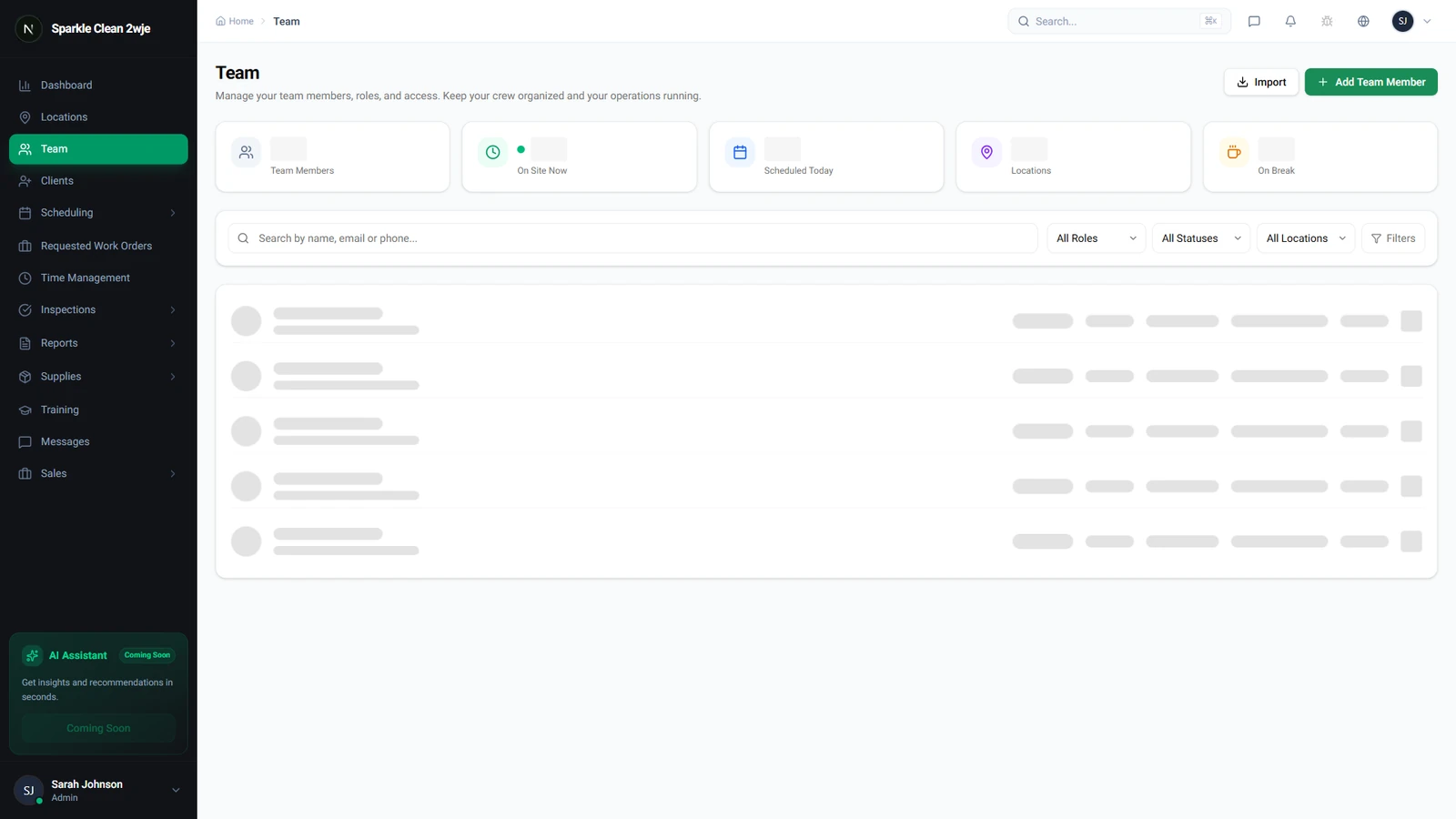
Click Team. The list shows every member with name, role (color-coded badge), email, status, and assigned locations.
2
Search & Filter
Use the search bar for name/email. Filter by role or status (Active, Pending, Inactive).
💡
Pro tip: Use the "Pending" filter to find members who haven't accepted their invitation.
3
Open a Profile
Click any name to see: personal info, assigned locations, schedule history, time tracking, training progress, and performance.
ℹ️
The profile page shows everything about this team member in one place.
🙌
Need help? If you have any questions or run into issues, reach out through the Support section in your dashboard.