Team Management
How to Edit a Team Member Profile
Update contact info, role, or hourly rate.
Last updated June 10, 2026
Here's how to update a team member's profile.
1
Find the Team Member
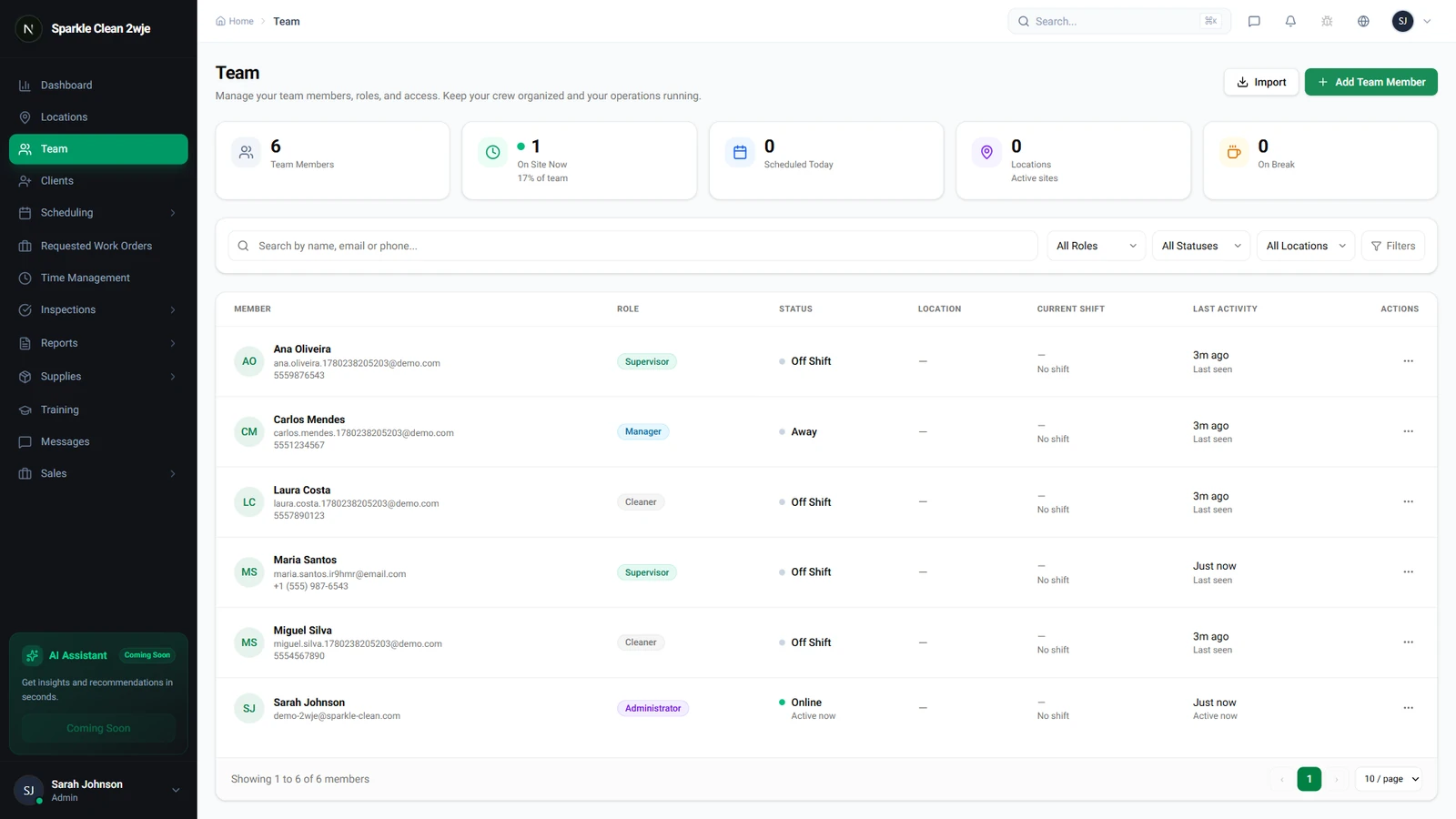
Go to Team and use the search bar to find the member by name or email.
2
Open Their Profile
Click on the team member's name to open their profile page.
3
Click Edit
Click Edit. The form opens with current values pre-filled.
4
Update Fields
Modify name, email, phone, role, hourly rate, or PIN code.
⚠️
Important: Changing role takes effect immediately. Downgrading a Manager to Cleaner removes management access.
5
Save
Click Save. Changes apply immediately.
💡
Pro tip: If you change their email, they'll need the new email to login.
🙌
Need help? If you have any questions or run into issues, reach out through the Support section in your dashboard.