Team Management
Clocking In & Out (GPS Verified)
How GPS-verified time tracking works.
CleanTrack360's time tracking is GPS-verified for accountability and accuracy. ⏱️
Time Management Overview
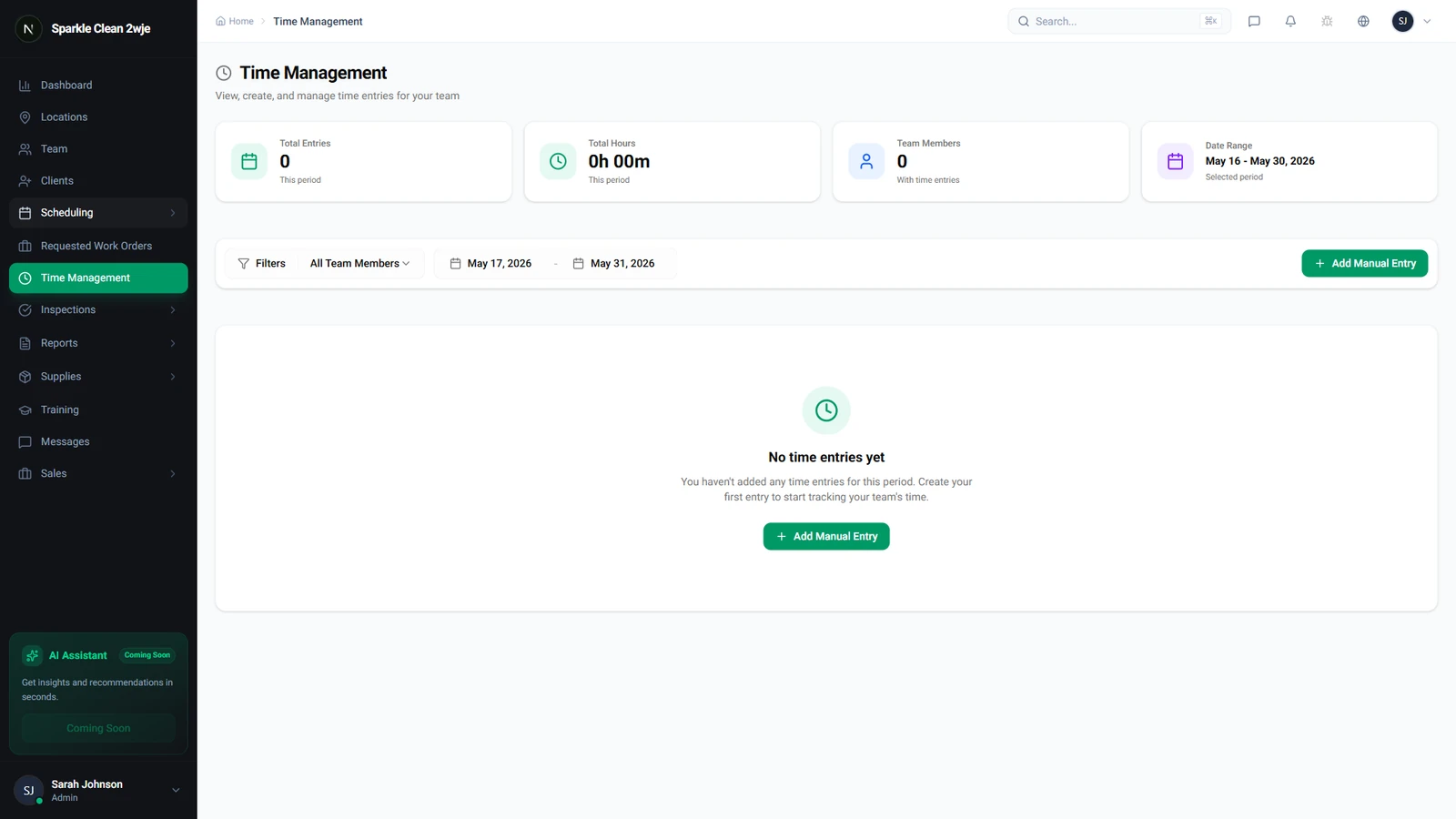
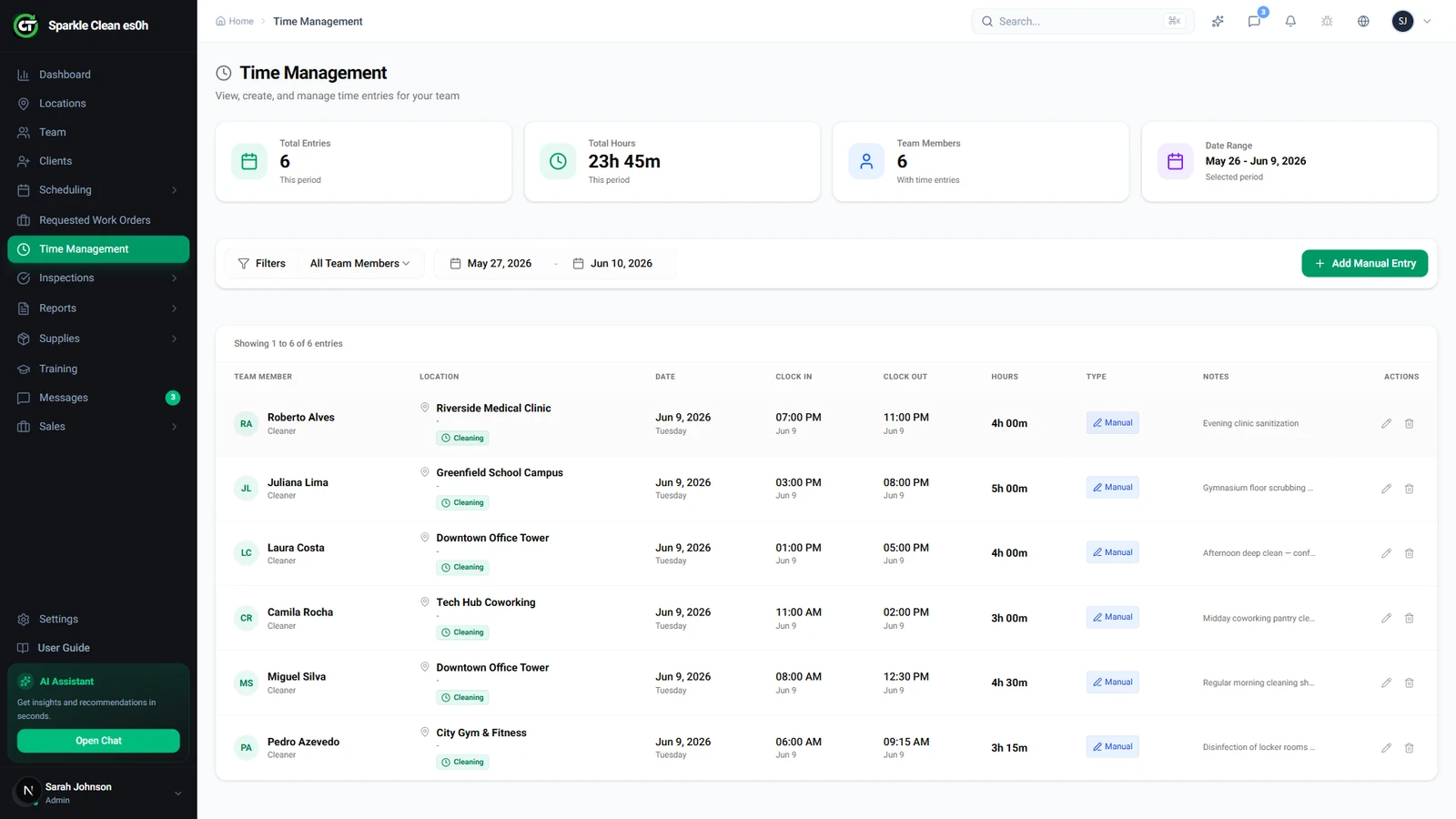
The Time Management module shows all clock-in/out records from your team. Each row displays the team member, location, clock-in time, clock-out time, total hours, and any GPS flags.
Clock In (Mobile)
When arriving at a location, the team member opens the app and taps Clock In. Their GPS position is automatically verified against the location's geofence boundary.
GPS Verification
Inside the geofence = green confirmation with exact distance shown. Outside = warning with option to add a note explaining why (e.g., "parking lot is across the street").
Clock Out
When done, the team member taps Clock Out. Total hours are calculated automatically. If they forget to clock out, managers can add a manual entry.
Time Entry Details
Click any entry to see full details: clock-in/out times, total hours, GPS coordinates, geofence status, and any flags or notes.
Manager Review
All entries appear in Time Management. Managers can approve, edit, or flag unusual entries like clock-ins outside geofence or shifts exceeding expected duration.