Team Management
Understanding Security PINs & Location Access
How to manage and use Security PINs to unlock location details.
CleanTrack360 uses a secure 4-digit PIN system to safeguard client keybox and entry codes. 📱
Team Members & Security PINs
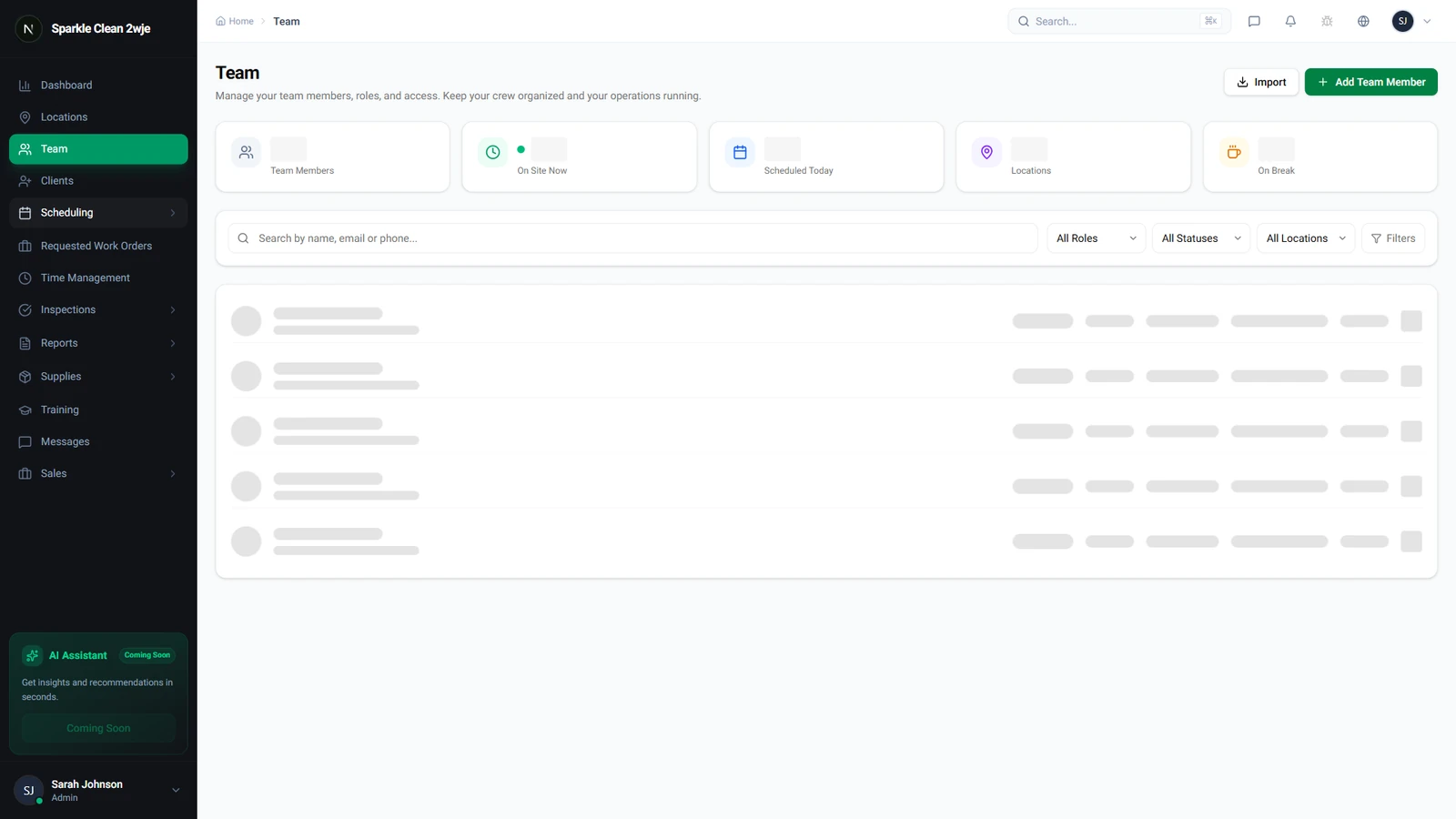
Security PINs are set up when creating a team member or updated from their profile page. Go to Team to see your roster.
How Security PINs Work
Each team member has a unique 4-digit Security PIN. This is NOT used to sign in (which requires email and password), but rather to unlock confidential security access details (such as door codes, keybox combinations, or alarm instructions) when arriving at assigned locations.
Configuring a PIN
Admins assign a PIN when inviting team members. Users can also manage and reset their own Security PIN through the Security settings tab in their user profile.
Resetting a PIN
If a team member forgets their PIN, admins can trigger a reset from the team member list by clicking on the member's profile, then selecting the option to send a PIN reset request email.