Locations
Assigning Team Members to a Location
Link team members to a location for scheduling.
Last updated June 10, 2026
Assigning team members to a location makes scheduling faster and more organized.
1
Open a Location to Assign Members
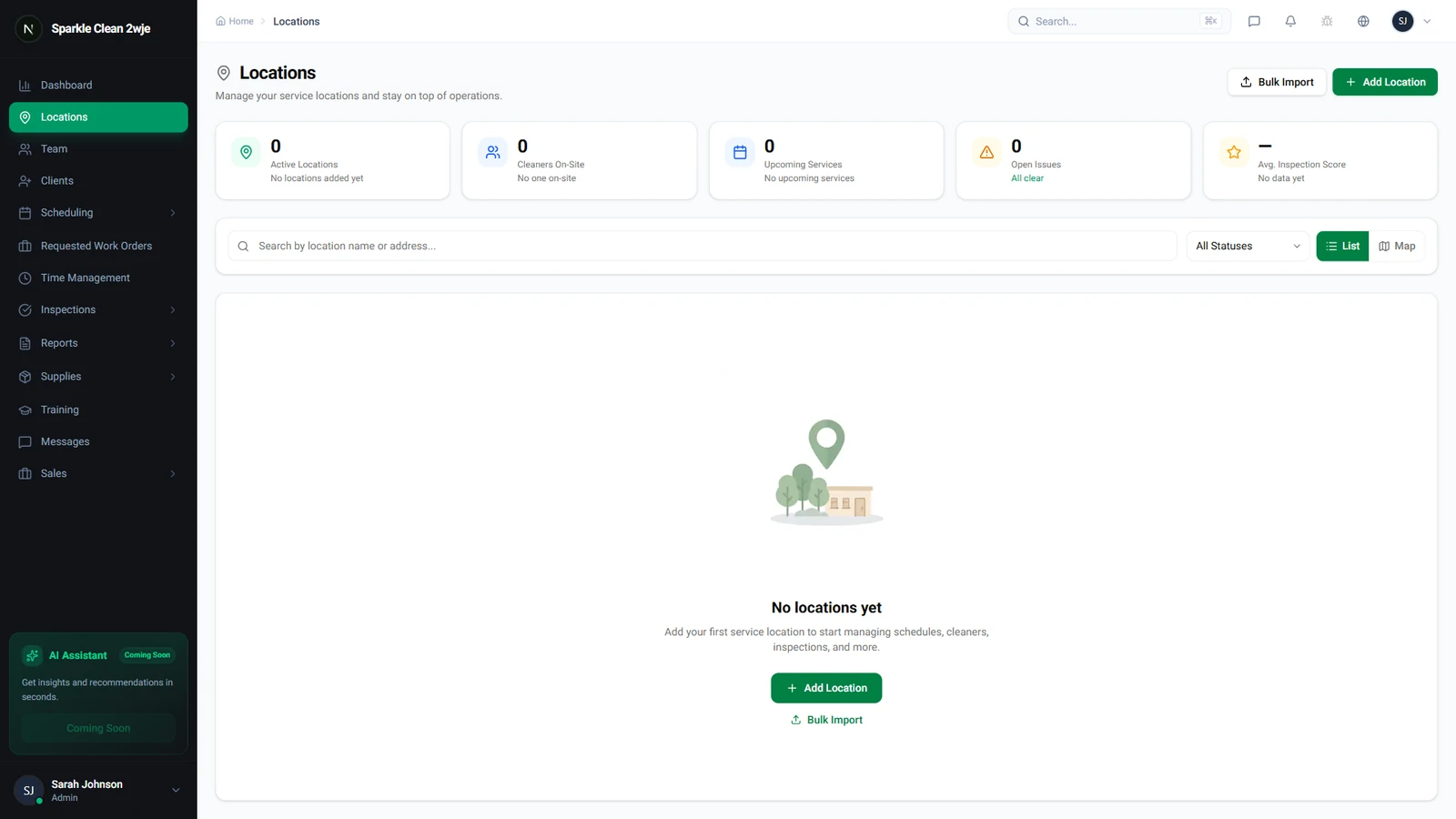
Go to Locations and click the location you want to assign team members to.
2
Find the Team Section
Scroll to the Assigned Team section on the location detail page.
3
Add Team Members
Click Assign Members. Check the boxes next to members you want to assign.
💡
Pro tip: Filter by role (Cleaner, Supervisor) to quickly find the right people.
4
Save
Click Save. Assigned members are prioritized when scheduling shifts here.
ℹ️
A team member can be assigned to multiple locations.
🙌
Need help? If you have any questions or run into issues, reach out through the Support section in your dashboard.