Locations
Viewing Location Details
How to view, search, and explore your service locations.
Last updated June 10, 2026
Your locations list is the central hub for managing all service sites.
1
View All Locations
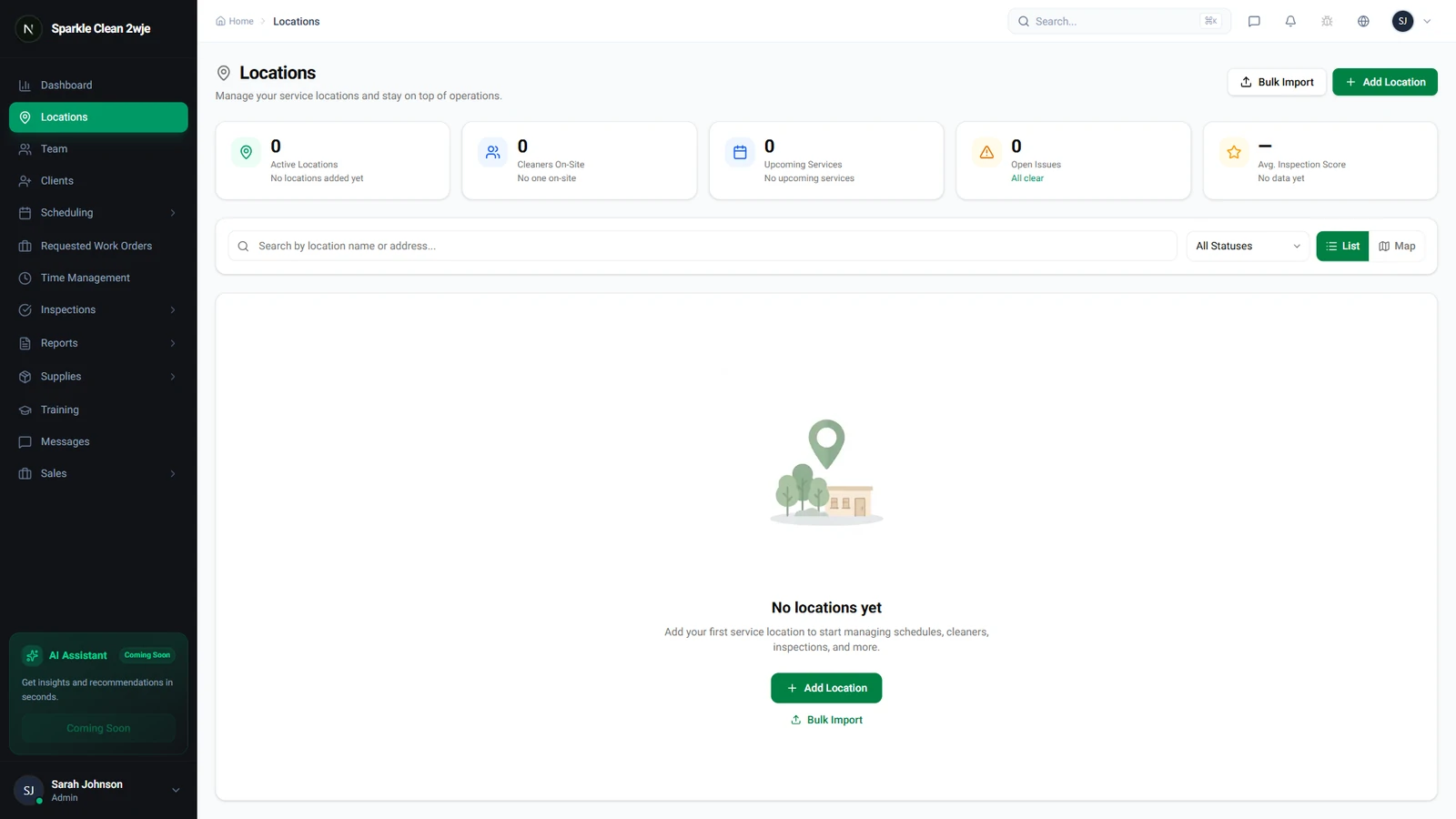
Click Locations in the sidebar. Each row shows the name, address, assigned team, and status.
2
Use Filters & Search
Use the search bar to find locations by name or address. Filter by status (Active/Inactive) and client.
3
Open Location Details
Click any location to see: address & map, contacts, access instructions, assigned team, linked supplies, recent schedules, and inspection history.
💡
Pro tip: The detail page is your one-stop view of everything happening at this location.
🙌
Need help? If you have any questions or run into issues, reach out through the Support section in your dashboard.