Locations
Using the Live Operations Map
Visualize all locations on an interactive map.
Last updated June 10, 2026
The operations map gives you a bird's-eye view of all service locations in real-time. 🗺️
1
Open the Locations Map View
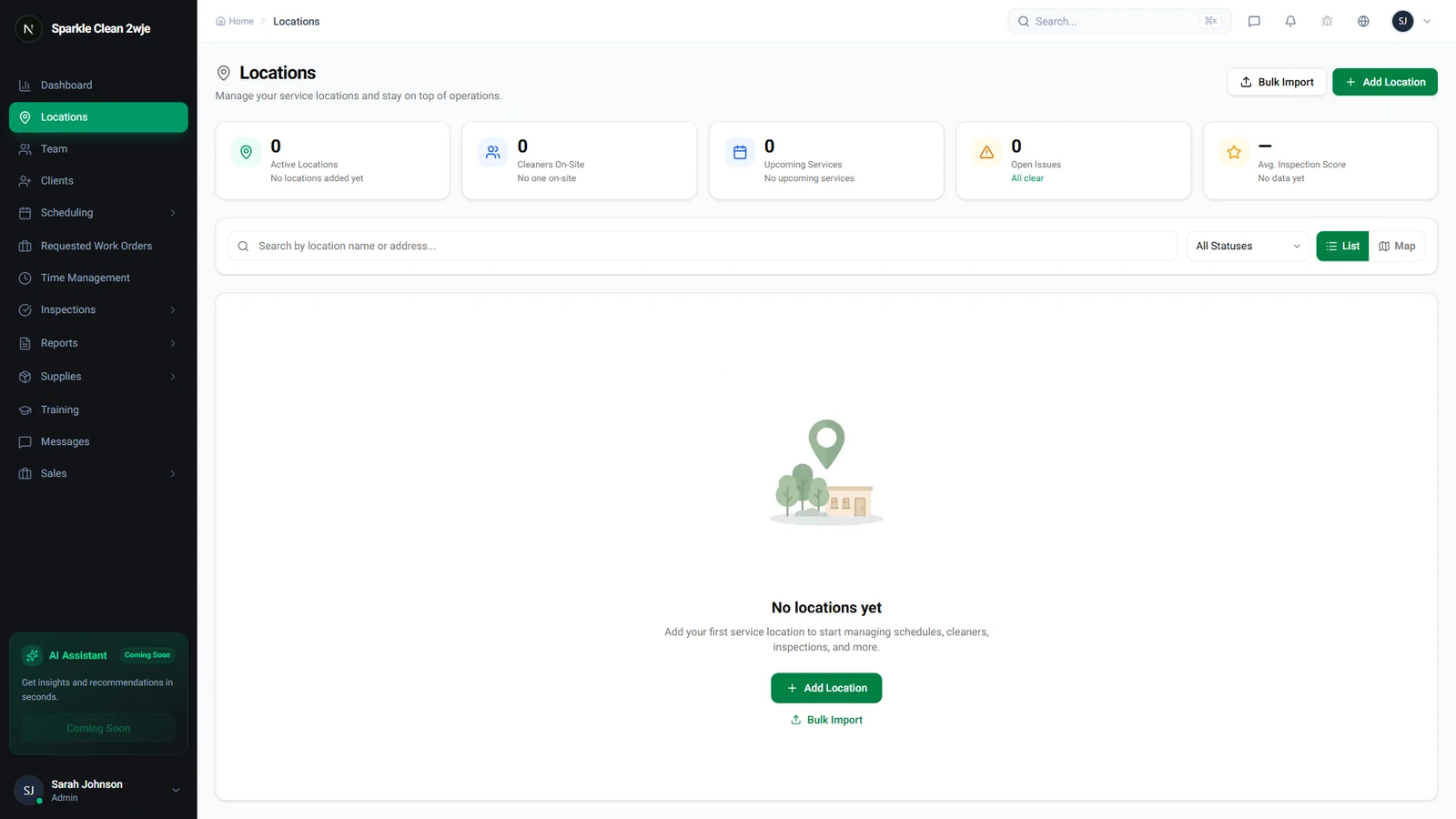
In Locations, click the Map View toggle to switch from list to map. All your locations appear as pins on an interactive map.
2
Explore the Map
Pins are color-coded: green = active shift, blue = scheduled today, gray = no activity. Click any pin to see details.
3
Quick Actions
Click a pin to access: View Details, Create Schedule, View Team.
💡
Pro tip: Use the map during operations hours for a real-time overview of active shifts.
🙌
Need help? If you have any questions or run into issues, reach out through the Support section in your dashboard.