Scheduling
Assigning Team Members to a Schedule
Add or change team on a schedule.
Last updated June 10, 2026
Each schedule needs at least one team member. Here's how to manage assignments.
1
Scheduling Module
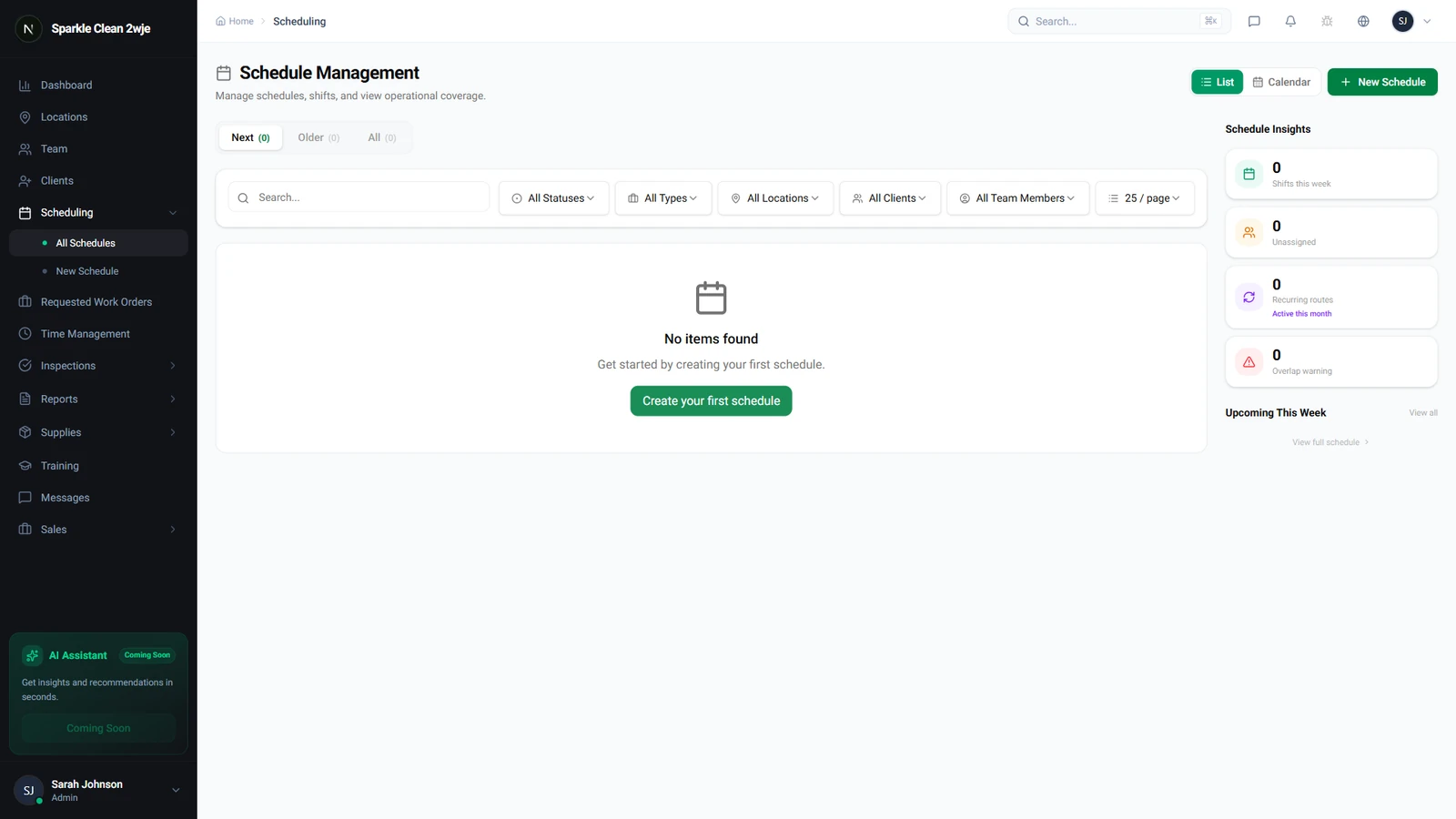
Open Scheduling and click the schedule you want to modify.
2
Edit Team
Click Edit Team. Only members assigned to this location AND available at this time are shown.
ℹ️
"Busy" members have another schedule at the same time.
3
Select Members & Save
Check members to assign, click Save. Added members get notified; removed ones are also notified.
💡
Pro tip: Click a "Busy" member to see their conflicting schedule.
🙌
Need help? If you have any questions or run into issues, reach out through the Support section in your dashboard.