Scheduling
Viewing All Schedules
Browse, filter, and review schedules.
Last updated June 10, 2026
Full visibility into upcoming, ongoing, and completed shifts.
1
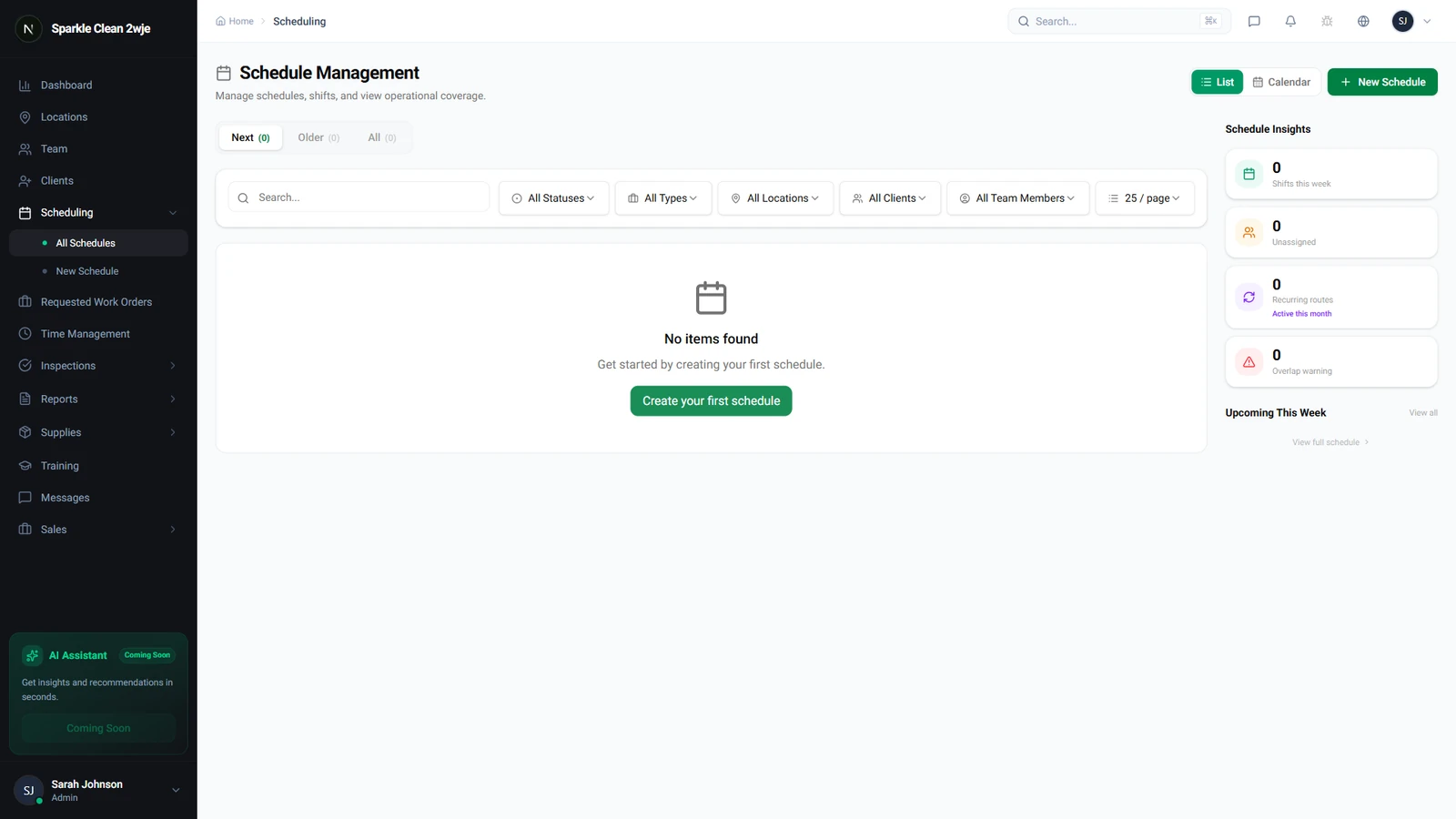
View All Schedules
The list shows date/time, location, team, and status (Upcoming/In Progress/Completed/Cancelled).
2
Filter & Search
Filter by date range, location, team member, status, or service type.
3
Status Colors
Blue = Upcoming, Green = In Progress, Gray = Completed, Red = Cancelled.
🙌
Need help? If you have any questions or run into issues, reach out through the Support section in your dashboard.