Scheduling
Setting Up Recurring Schedules
Automate scheduling with repeating shifts.
Last updated June 10, 2026
Recurring schedules auto-create future shifts on a regular cadence.
1
Scheduling with Recurrence
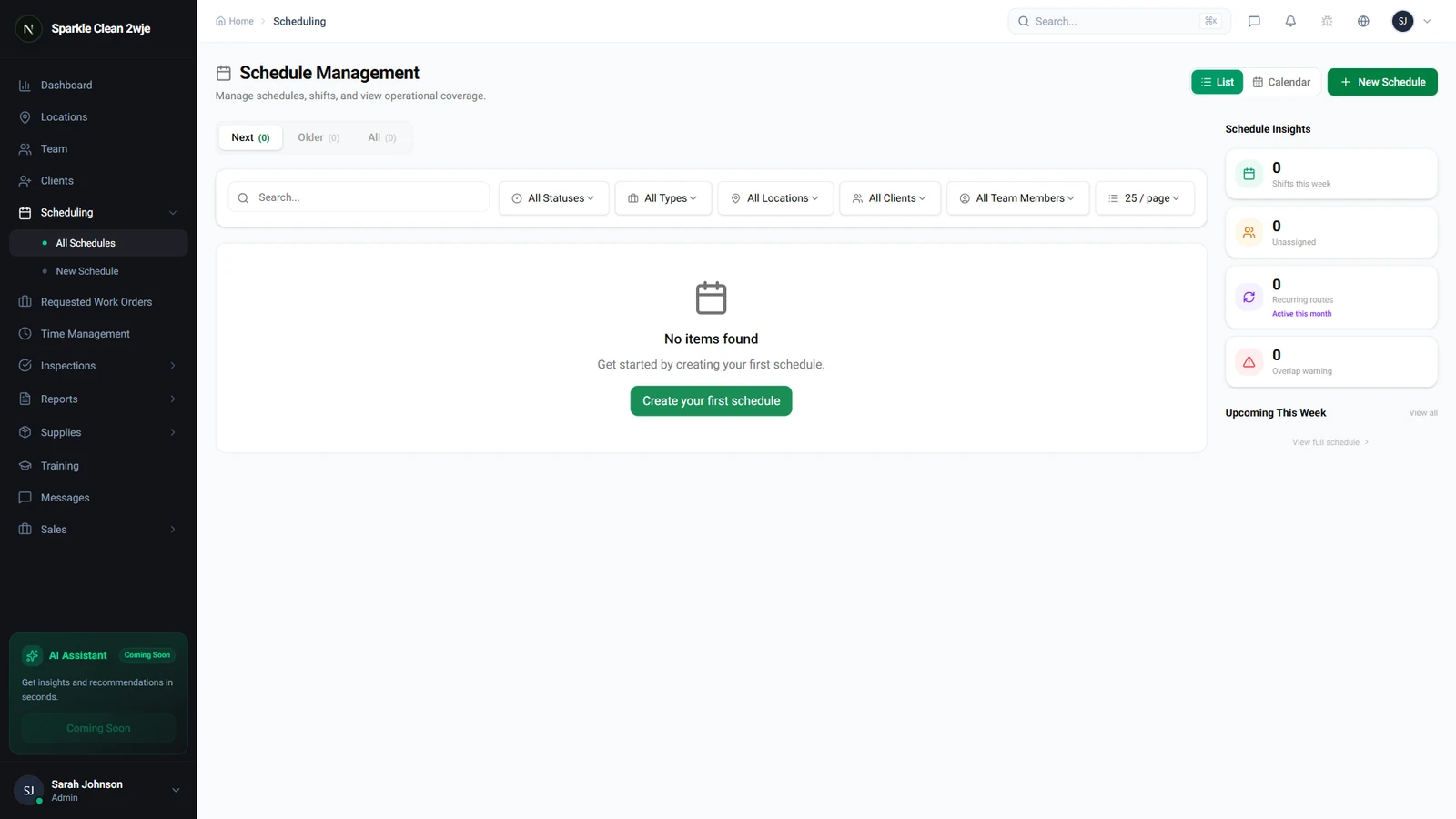
In Scheduling, look for the recurrence options when creating or editing a schedule.
2
Set Recurrence Pattern
Configure how often this schedule repeats:
💡
Pro tip: Set end date to match contract expiration for automatic stop.
📋 Form Fields
| Field | Required | Description |
|---|---|---|
| Frequency | ✅ Yes | Daily, Weekly, Bi-weekly, Monthly e.g. "Weekly" |
| Days of Week | ✅ Yes | Which days (for weekly) e.g. "Mon, Wed, Fri" |
| End Date | Optional | When to stop. Blank = indefinite. e.g. "Dec 31, 2024" |
| Exceptions | Optional | Skip specific dates (holidays) e.g. "Jul 4, Dec 25" |
3
Save
Future occurrences are generated automatically. Each can be individually edited or cancelled.
ℹ️
Occurrences are generated up to 90 days in advance.
🙌
Need help? If you have any questions or run into issues, reach out through the Support section in your dashboard.