Scheduling
Using the Scheduling Calendar
Visual calendar for managing schedules.
Last updated June 10, 2026
The calendar view gives you a visual overview of all shifts. 📆
1
Scheduling Calendar View
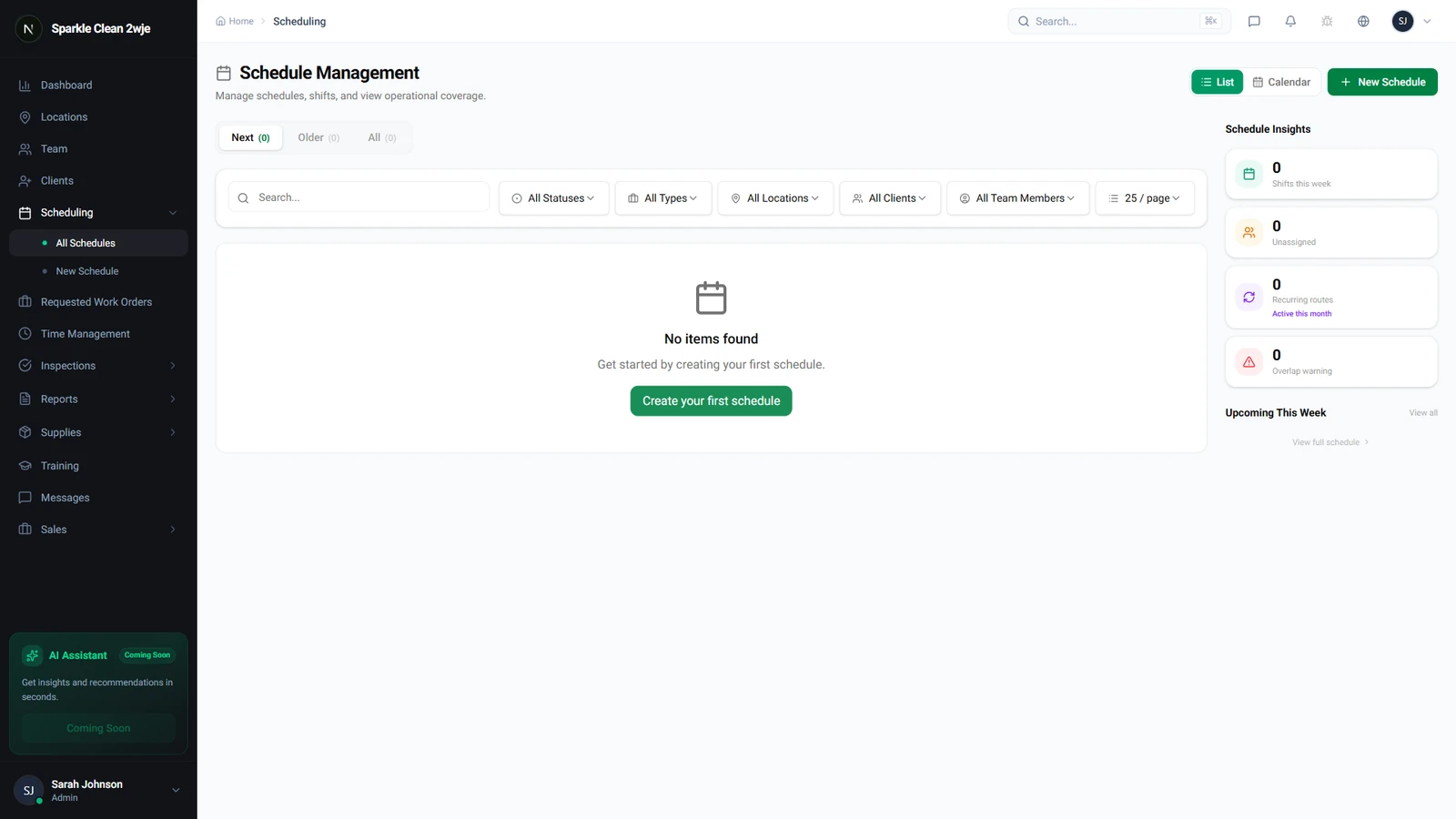
Click the Calendar toggle to switch from list to calendar. Shifts are laid out visually by day, week, or month.
2
Navigate
Use arrows to switch between weeks/months. Toggle between Day, Week, and Month views.
3
Click Schedules
Click any block to see full details. Blocks are color-coded by status.
💡
Pro tip: Use Month view for big-picture planning, Day view for busy operations days.
🙌
Need help? If you have any questions or run into issues, reach out through the Support section in your dashboard.