Supplies
Approving Supply Requests
Review and approve supply requests.
Last updated June 10, 2026
Supply requests need manager approval before fulfillment.
1
Pending Supply Requests
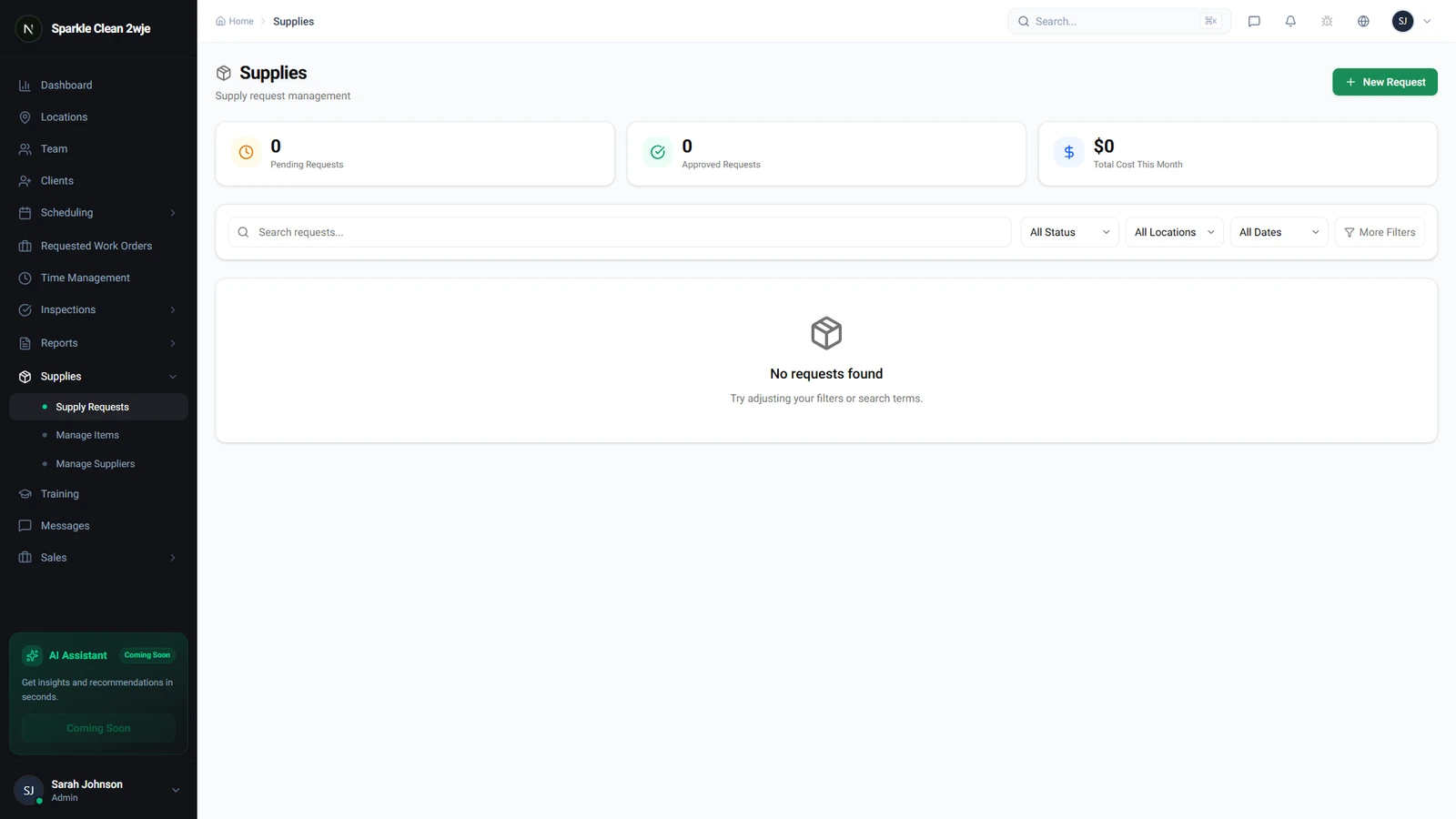
In Supplies → Requests, pending requests show a yellow badge. Review each request's details before approving.
2
Review
Click a request to see: submitter, location, items, quantities, priority, and notes.
3
Approve
Click Approve (as-is) or Edit to adjust quantities first.
ℹ️
Submitter is notified when approved.
4
Mark Fulfilled
After delivery, mark as Fulfilled to close the cycle.
💡
Pro tip: Set up a weekly routine to review pending requests.
🙌
Need help? If you have any questions or run into issues, reach out through the Support section in your dashboard.