Supplies
Adding Supply Items to the Catalog
Build your supply catalog.
Last updated June 10, 2026
Your supply catalog is the master list of everything your team uses. 📦
1
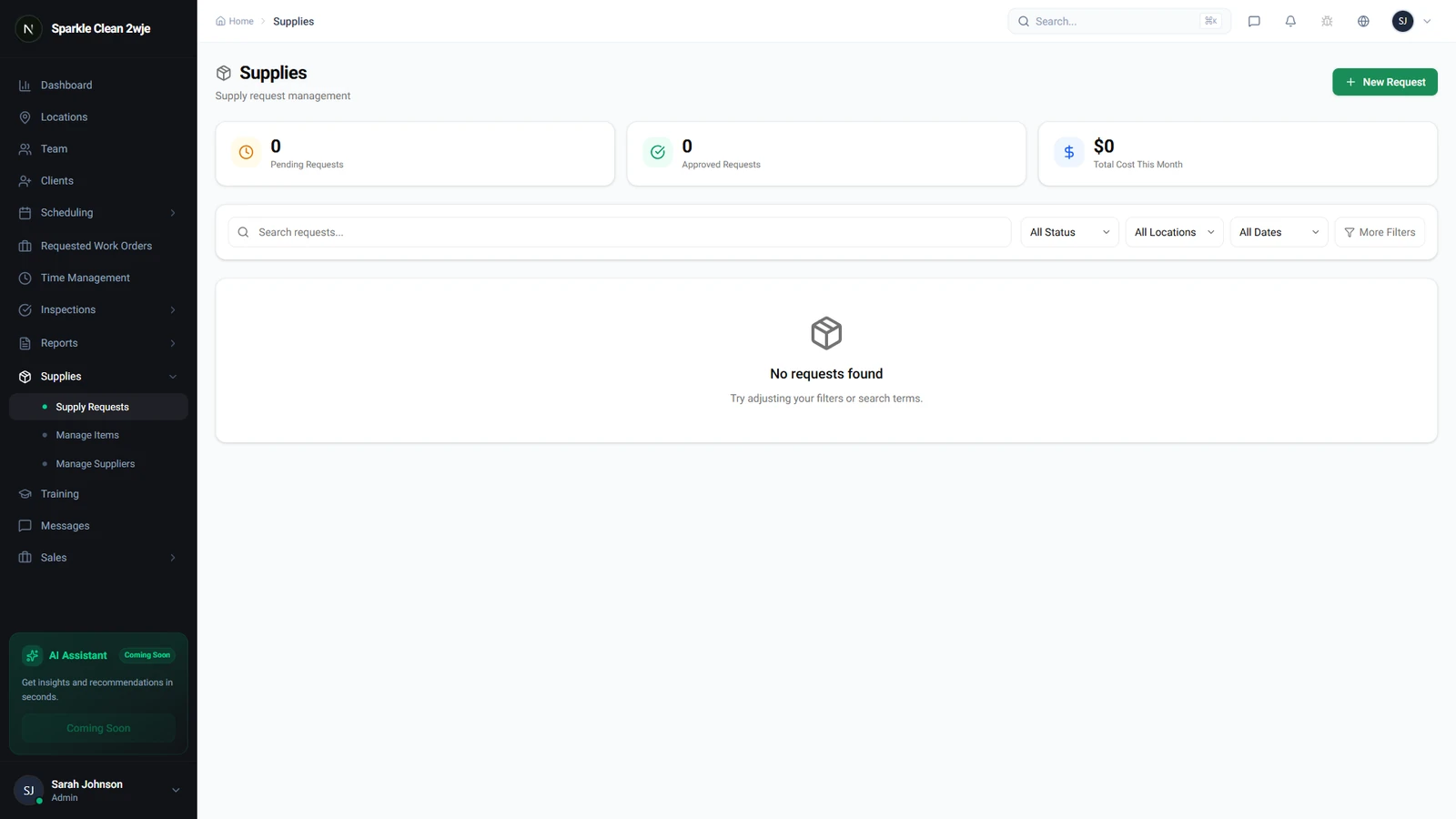
Open Supplies
Click Supplies in the sidebar. The catalog shows all supply items with name, category, unit cost, and stock levels.
2
Fill in Details
Enter the item information:
💡
Pro tip: Organize by category for easier team access.
📋 Form Fields
| Field | Required | Description |
|---|---|---|
| Item Name | ✅ Yes | Name of the supply. e.g. "Heavy-Duty Floor Degreaser" |
| Category | Optional | Chemicals, Paper Goods, Equipment, etc. e.g. "Cleaning Chemicals" |
| Unit | ✅ Yes | Bottles, Boxes, Rolls, Each. e.g. "Bottles" |
| Unit Cost | Optional | Cost per unit for budgeting. e.g. "$22.50" |
| SKU | Optional | Supplier's product code. e.g. "FLR-DGR-1L" |
3
Save
Click Save. The item is in your catalog.
🙌
Need help? If you have any questions or run into issues, reach out through the Support section in your dashboard.