Supplies
Creating a Supply Request
Request supplies for a location.
Last updated August 1, 2026
When a location runs low, submit a supply request directly from the app.
1
Supply Requests
In Supplies, navigate to the Requests section to see all pending and fulfilled supply requests.
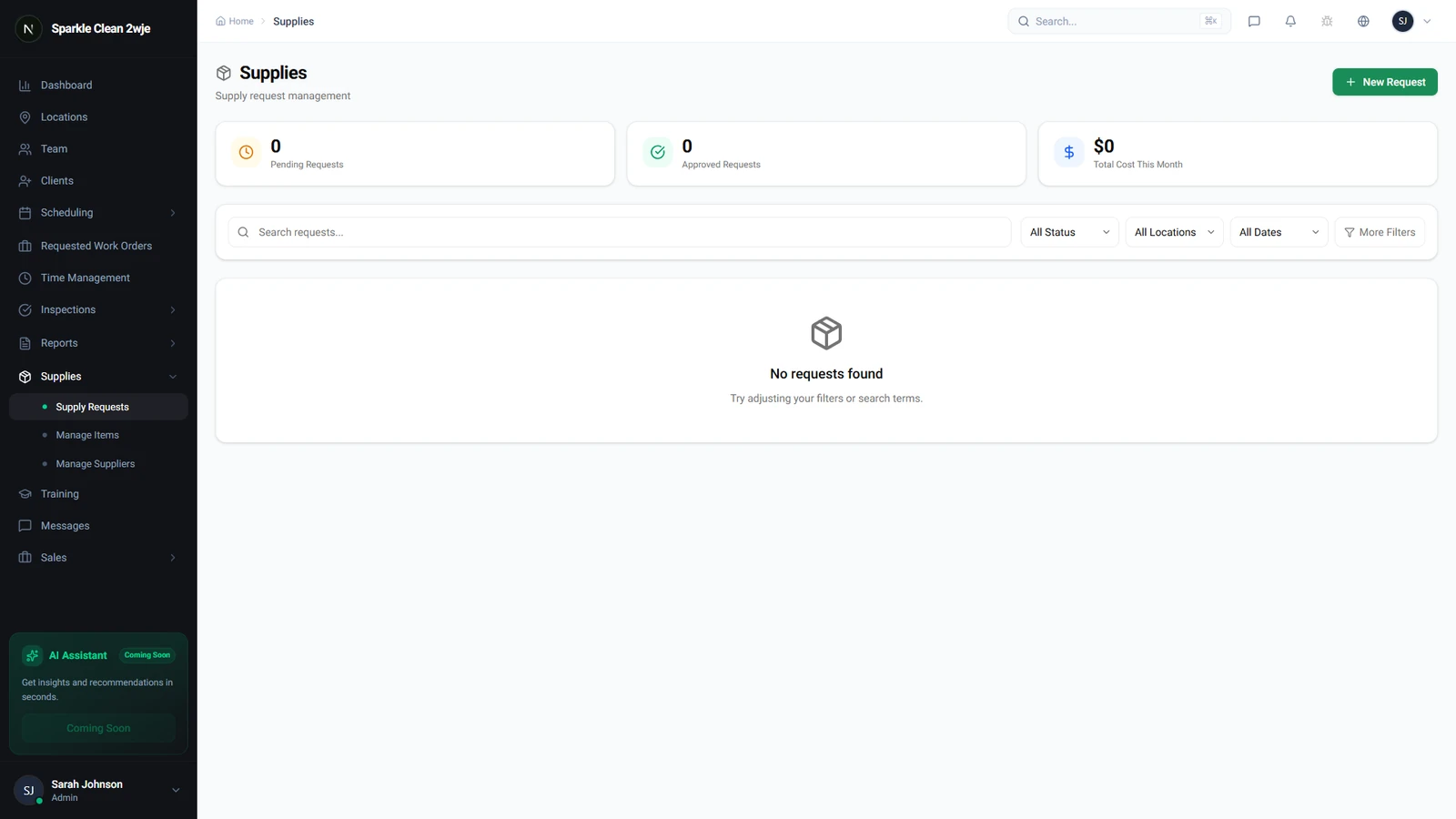
2
Create Request
Click + New Request and fill in:
ℹ️
Cleaners/Supervisors submit; Managers/Admins approve.
📋 Form Fields
| Field | Required | Description |
|---|---|---|
| Location | ✅ Yes | Which location needs supplies. e.g. "Downtown Office Tower" |
| Items | ✅ Yes | Select items and quantities. e.g. "Floor Degreaser × 3, Paper Towels × 10" |
| Priority | Optional | Normal, High, or Urgent. e.g. "High" |
| Notes | Optional | Context for the approver. e.g. "Ran out mid-shift" |
3
Submit
Click Submit. The request goes to your manager for approval.
💡
Pro tip: Submit requests as soon as supplies run low, don't wait until they're gone.
🙌
Need help? If you have any questions or run into issues, reach out through the Support section in your dashboard.