Supplies
Editing Supply Items
Update supply details or pricing.
Last updated June 10, 2026
Keep your catalog current as prices and suppliers change.
1
Find the Supply Item
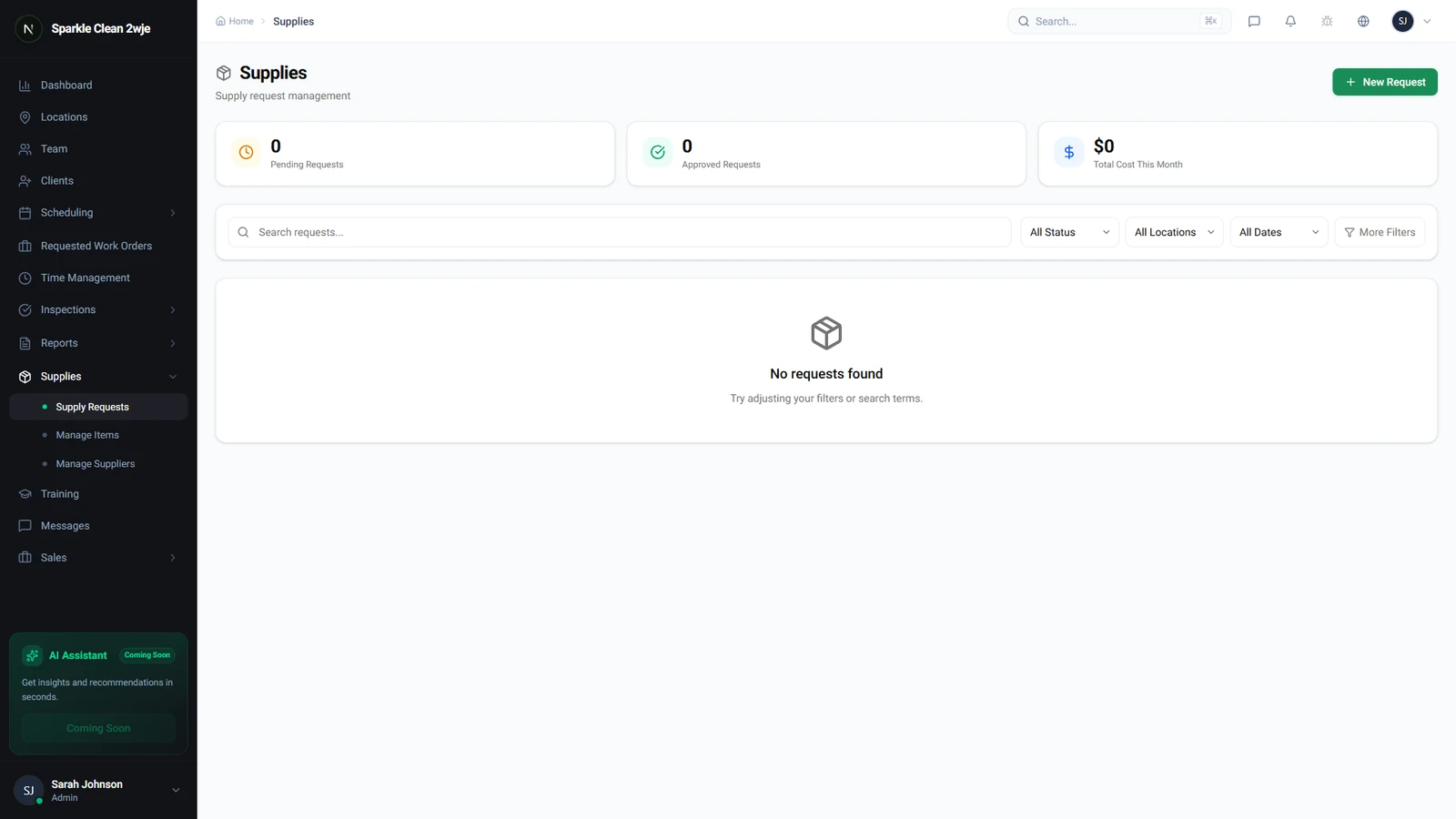
Go to Supplies and search for the item.
2
Edit
Click the item → Edit. Update name, cost, supplier, or SKU.
3
Save
Click Save.
💡
Pro tip: Update costs regularly for accurate expense reports.
🙌
Need help? If you have any questions or run into issues, reach out through the Support section in your dashboard.