Supplies
Rejecting a Supply Request
Decline a request with a reason.
Last updated August 1, 2026
Sometimes requests need to be declined. Do it properly with a reason.
1
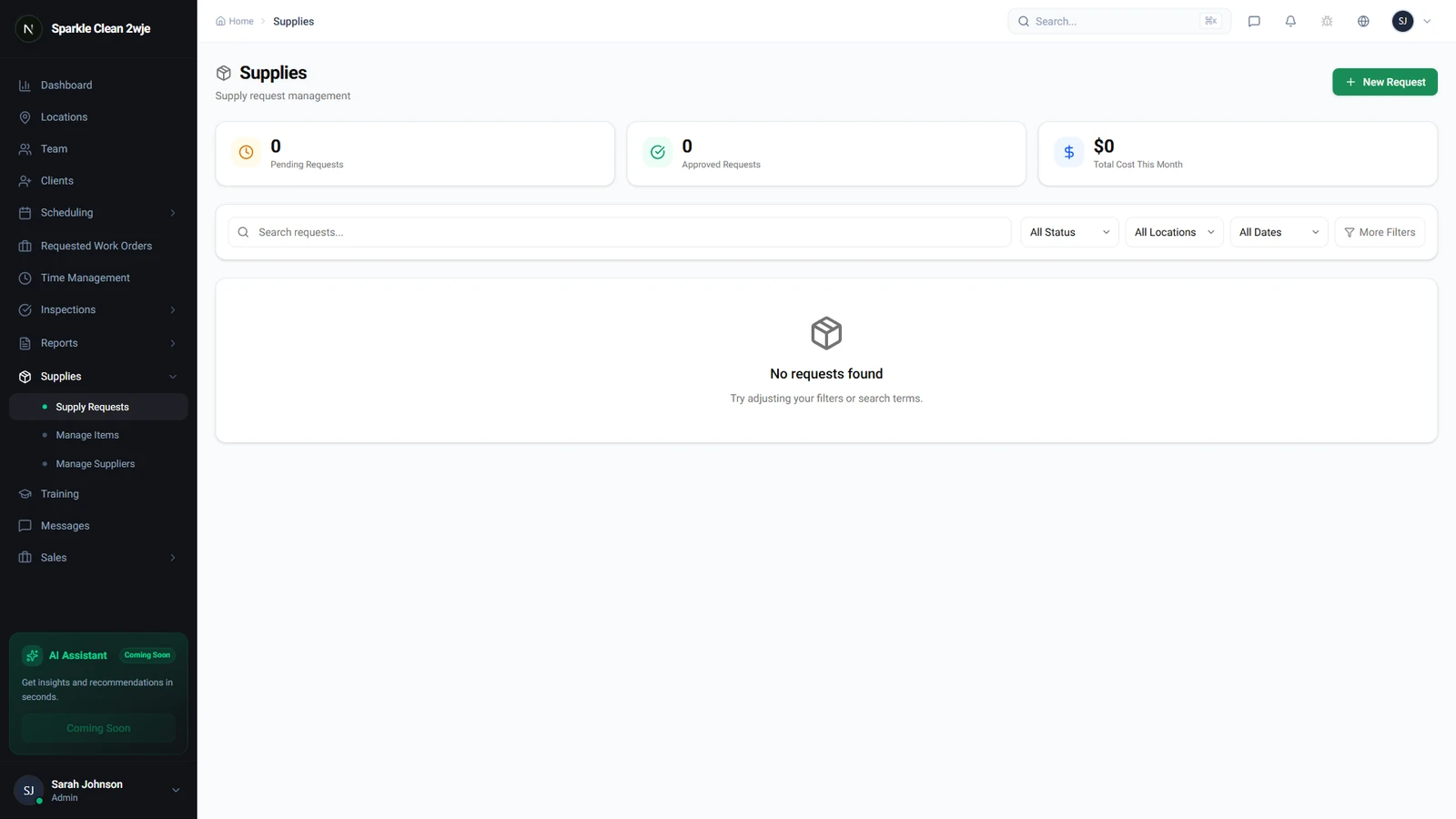
Supply Request Management
In Supplies → Requests, manage all incoming requests.
2
Reject with Reason
Click Reject and enter a clear reason. It's sent to the submitter.
💡
Pro tip: Be specific, suggest alternatives when possible.
3
Resubmit
Rejected requests can be resubmitted with modifications by the team member.
🙌
Need help? If you have any questions or run into issues, reach out through the Support section in your dashboard.