Supplies
Managing Suppliers
Track vendor contacts and info.
Last updated June 10, 2026
Keep supplier information organized for easy reordering.
1
Suppliers Management
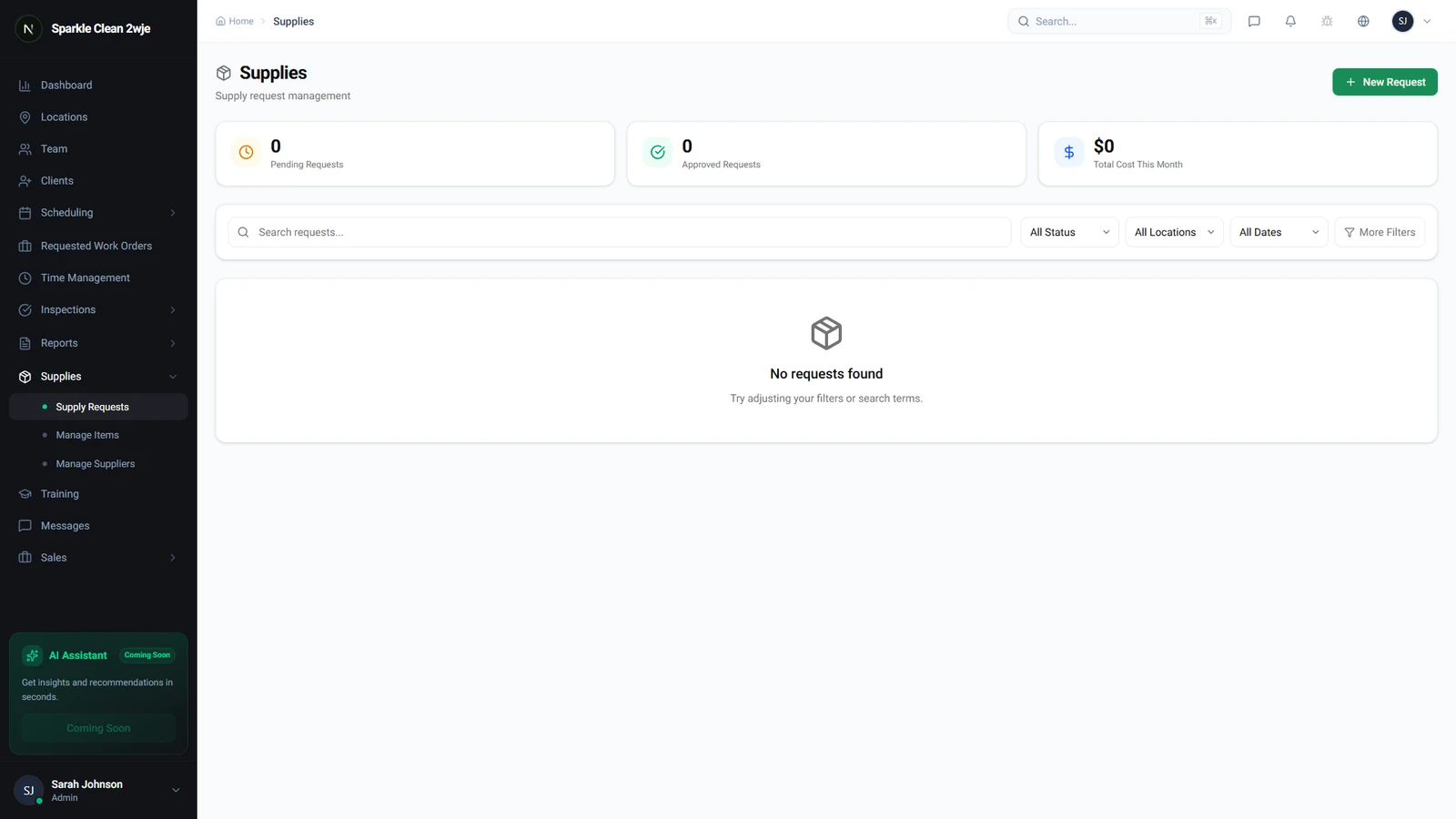
In Supplies, navigate to the Suppliers section.
2
Add a Supplier
Click + Add Supplier:
📋 Form Fields
| Field | Required | Description |
|---|---|---|
| Supplier Name | ✅ Yes | Company name. e.g. "Clean Supply Co" |
| Contact Name | Optional | Your contact person. e.g. "Jane Davis" |
| Optional | For orders. e.g. "orders@cleansupply.com" | |
| Phone | Optional | For urgent orders. e.g. "(555) 345-6789" |
| Notes | Optional | Account number, terms, delivery schedule. e.g. "Net 30, delivers Tuesdays" |
3
Link to Items
When editing supply items, select the preferred supplier from your list.
💡
Pro tip: Keep supplier notes updated with current pricing and delivery schedules.
🙌
Need help? If you have any questions or run into issues, reach out through the Support section in your dashboard.