Supplies
Assigning Supplies to Locations
Track what's needed at each location.
Last updated June 10, 2026
Link supply items to locations so your team knows what should be on-site.
1
Supply Location Assignments
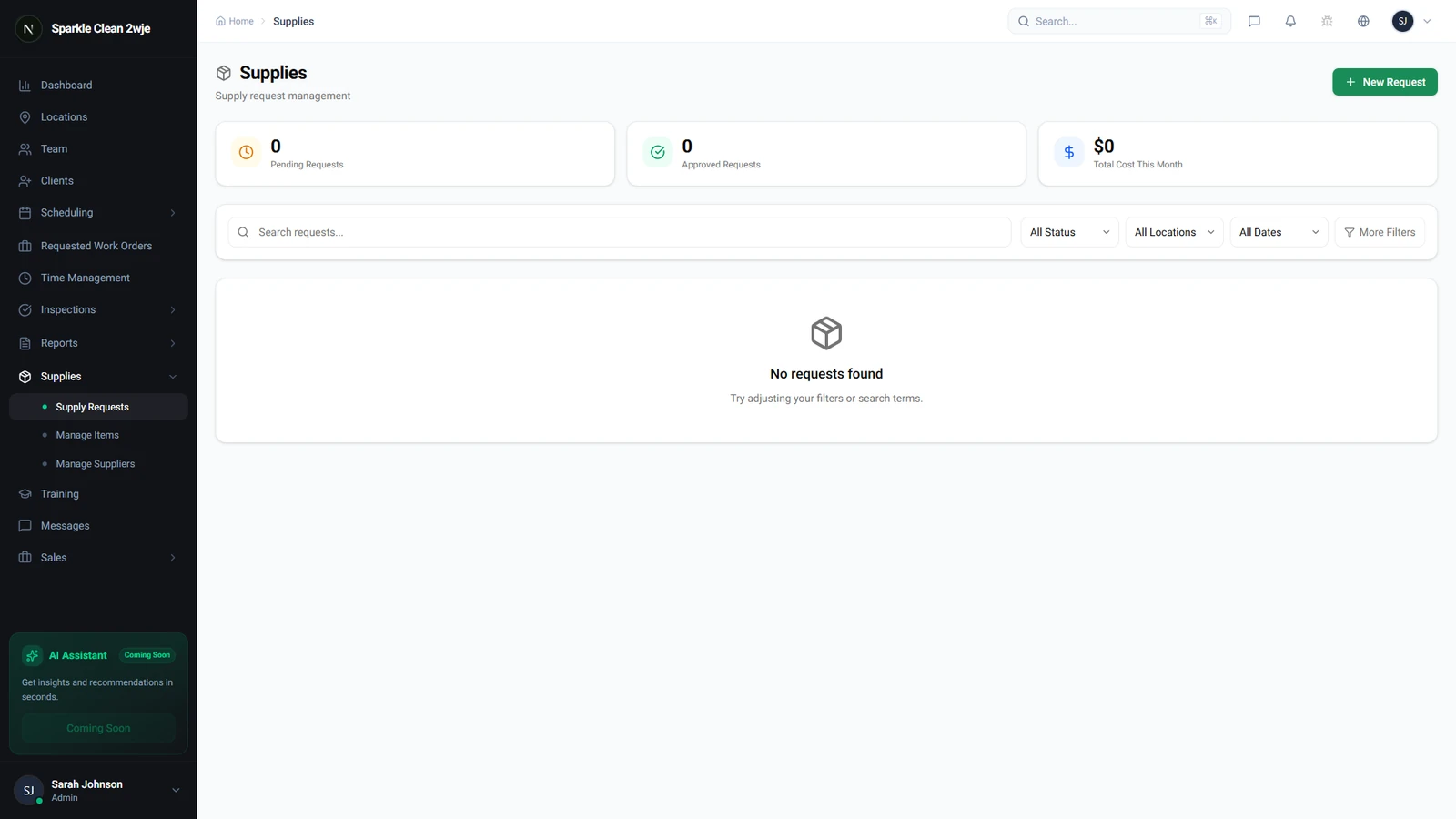
In Supplies, you can manage which items are assigned to which locations.
2
Assign Supplies
Open a location → Supplies tab → Add Supplies. Set items and quantities.
3
Reorder Alerts
Set alert thresholds to get notifications when stock is low.
💡
Pro tip: Different locations may need different quantities of the same item.
🙌
Need help? If you have any questions or run into issues, reach out through the Support section in your dashboard.